Work Setups & Productivity • 2026
Work from home productivity essentials for 2026 are not about accumulating the latest gadgets. They are about building a reliable, ergonomic, and repeatable home office that removes daily friction from remote work, video meetings, and focused work.
A productive home office is not built by accumulating the latest gadgets. It depends on creating a reliable, ergonomic, and repeatable setup that removes daily friction from remote work, meetings, and focused work.
The Illusion of Productivity Gadgets
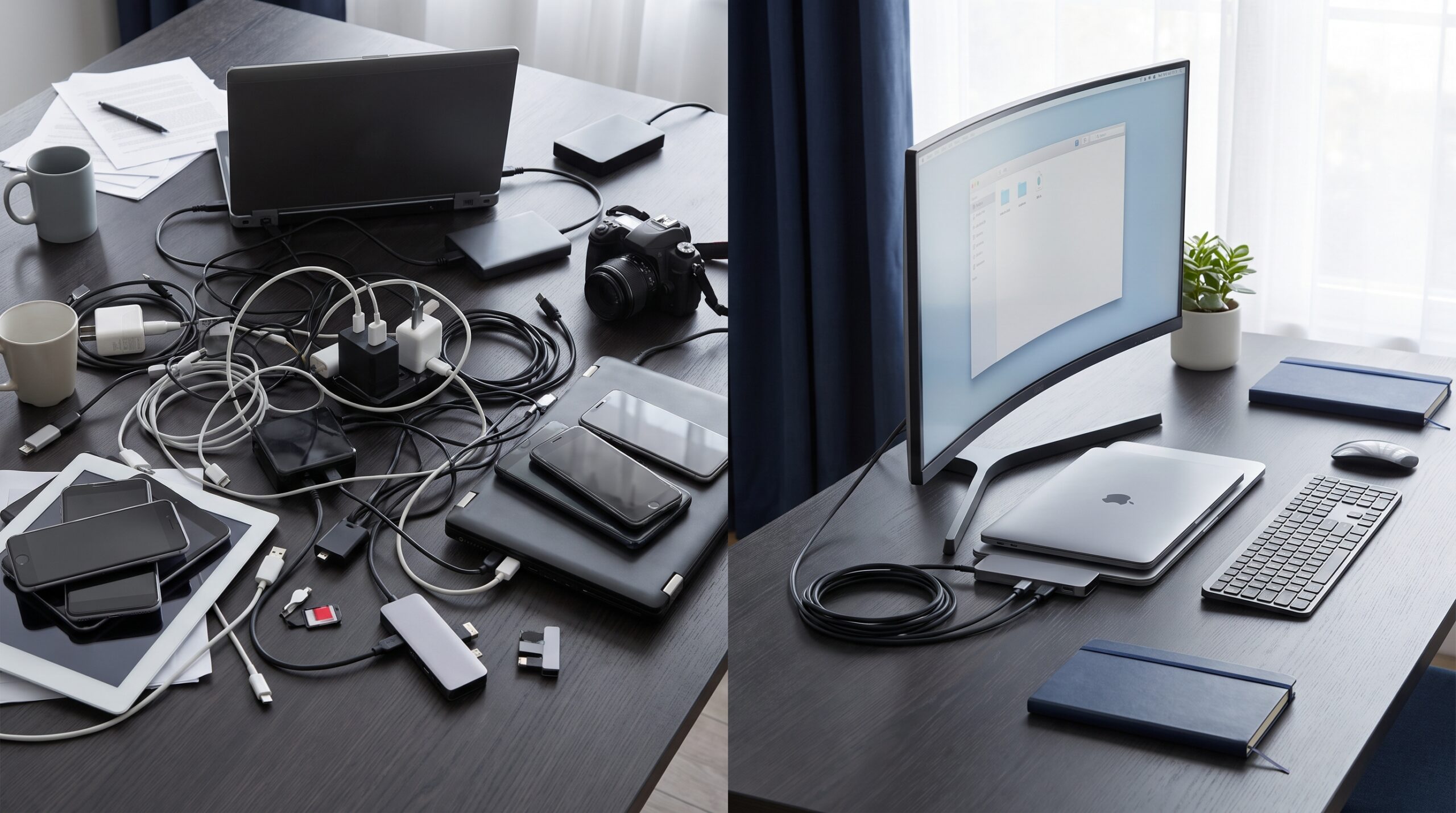
The market is full of accessories that promise to transform how people work from home. However, adding more devices often produces the opposite result: more cables, more connection failures, more support requirements, and more interruptions throughout the day.
Real work-from-home productivity comes from standardization and predictability. When the physical environment is optimized, the cognitive effort required to start working begins to disappear. The goal is not to create an impressive-looking desk. It is to build a personal focus infrastructure that supports deep work and remote collaboration without causing physical or mental fatigue.
A reliable home office should let you connect your laptop, power, display, and essential peripherals with minimal daily setup. For a broader approach to selecting compatible tools, explore our guide to must-have productivity tools for remote and hybrid workers.
The Five Pillars of Home Productivity
A reliable remote-work setup should balance comfort, communication, focus, mobility, and security. These five connected pillars help create an environment that works consistently across long workdays.
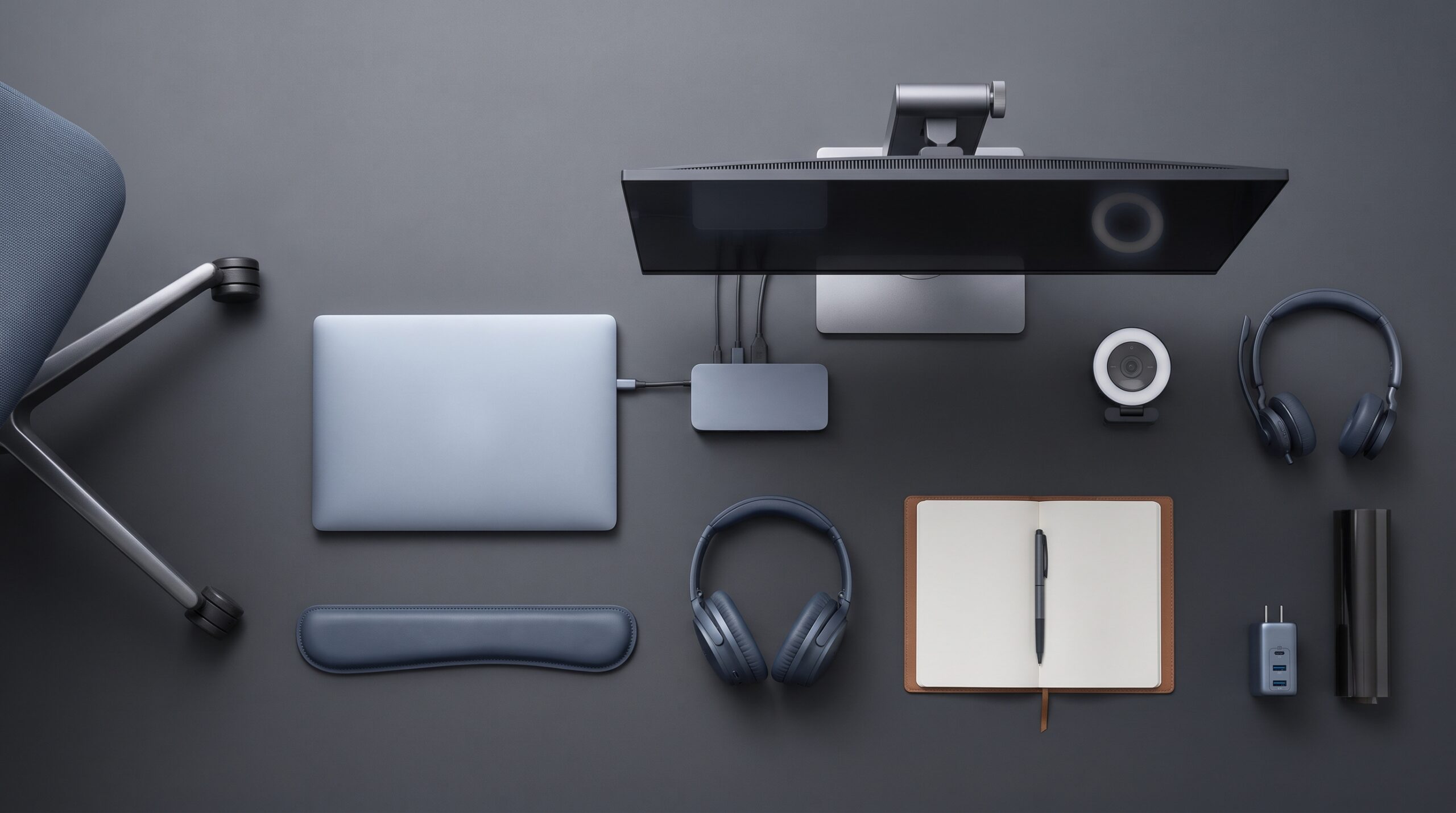
1. Desk Foundation
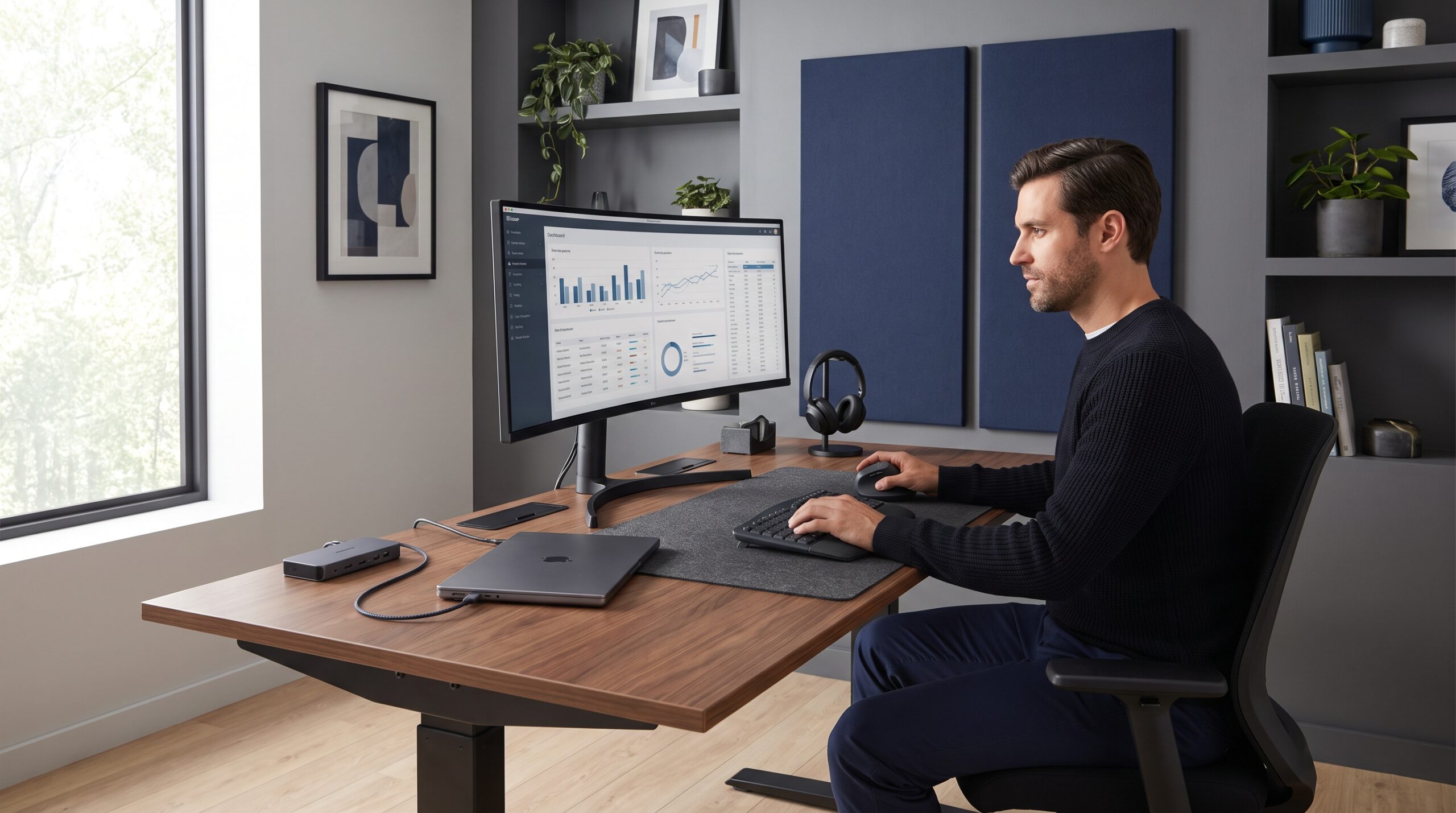
Your desk foundation is the physical base of the workday. It includes an external monitor, laptop stand, compatible dock, external keyboard, ergonomic mouse, reliable charging, and disciplined cable management.
2. Ergonomics
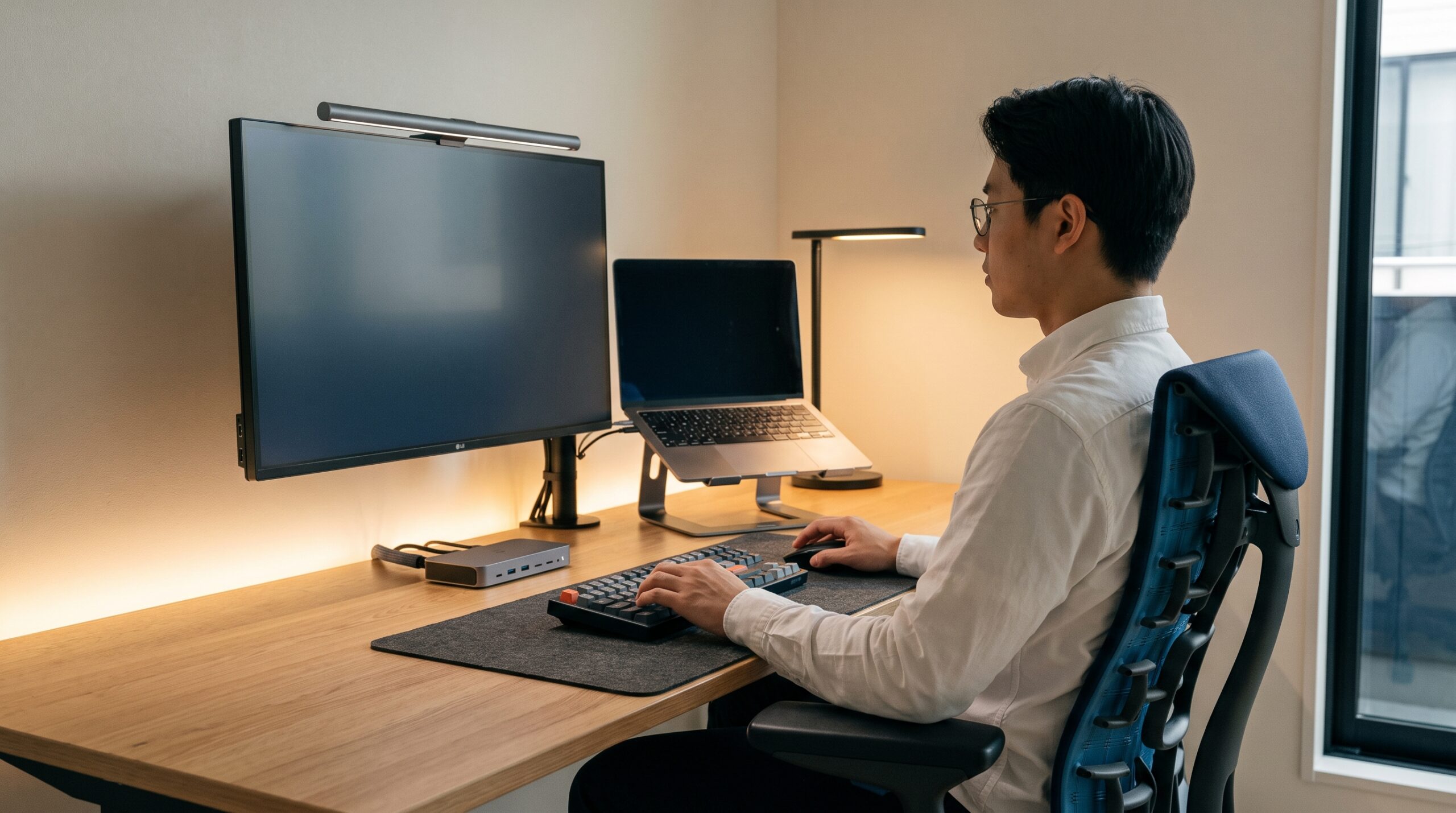
Ergonomics supports the body over long work sessions. Prioritize a chair with appropriate lumbar support, a screen positioned near eye level, neutral wrist positioning, and lighting that reduces visual fatigue.
3. Communication Reliability
Remote collaboration depends on clear audio and video. A professional headset, directional microphone, dependable webcam, and appropriate front lighting make meetings more productive and reduce communication friction.
4. Focus Infrastructure
Focus requires active protection. Control noise, reduce visual clutter, and use one simple, consistent system for tasks and notes instead of creating unnecessary tool overlap.
5. Security and Mobility
Remote work must remain secure and portable. Reliable GaN charging, approved remote access, multi-factor authentication, and privacy protection help keep both people and company data safe.
Build the Home Office Infrastructure
When building or improving a home office, evaluate every component through the five pillars above. The best upgrades remove a recurring source of friction, improve a defined workflow, or make the workspace more reliable.
Desk Foundation and Ergonomics
Working for hours while looking down at a 13-inch laptop screen can create neck discomfort, poor posture, and reduced concentration. Use a laptop stand to raise the screen closer to eye level, then pair it with an external keyboard and mouse to maintain a more neutral working position.
A USB-C or Thunderbolt dock should serve as the center of the desk foundation. It can consolidate power, external display output, ethernet, audio, and peripherals into a simpler connection process. Combine the dock with a cable management kit to remove visual clutter and create a more dependable desk environment. For a wider workplace design framework, read our guide to focused, ergonomic enterprise work setups.
Communication Reliability: Your Voice Is Your Business Card
In remote work, audio and video quality shape how colleagues and clients experience your professionalism. Built-in laptop microphones often capture room echo, keyboard noise, and other household distractions.
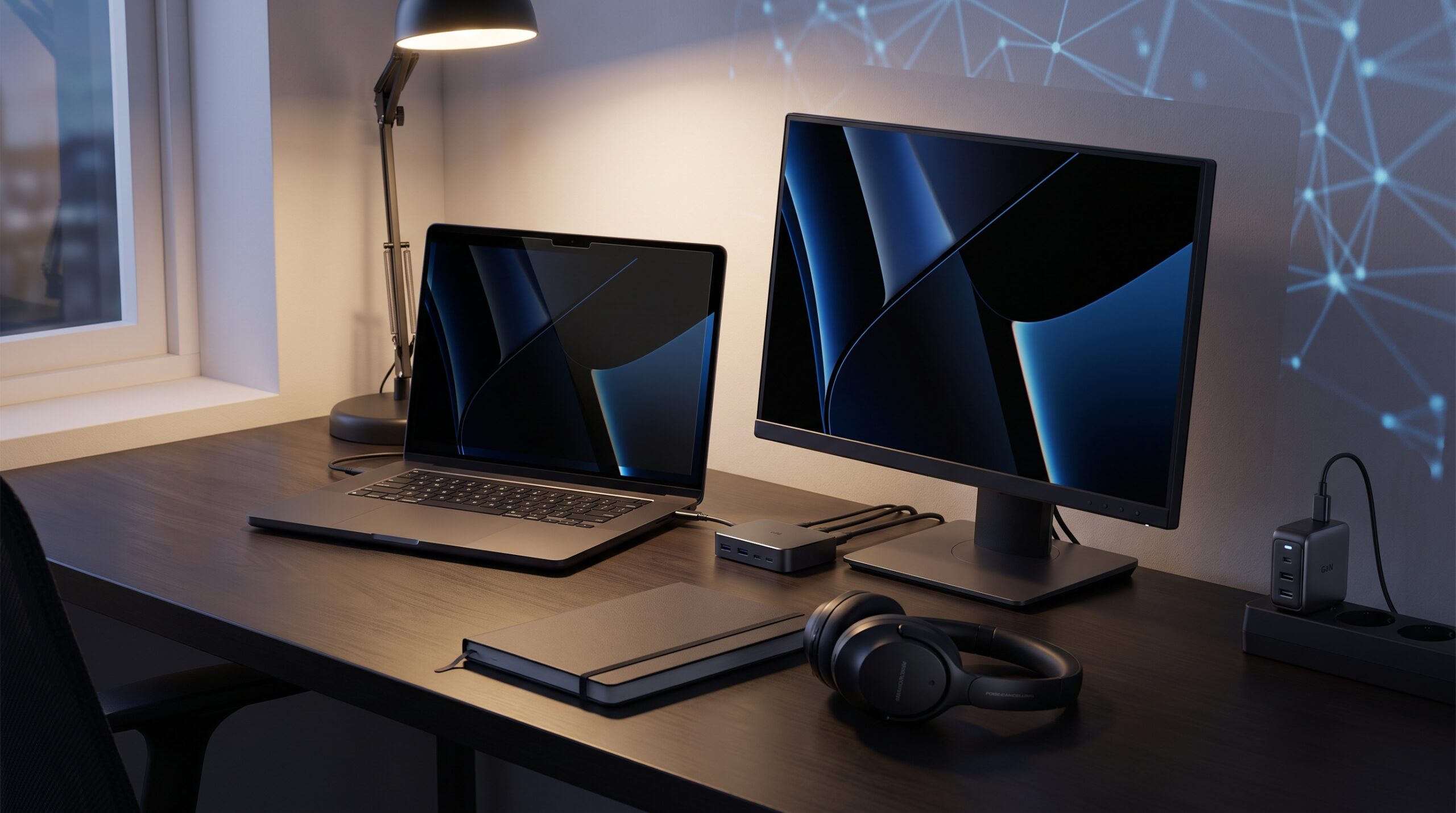
A professional headset with active noise cancellation and a directional microphone is often one of the highest-ROI upgrades for meeting-heavy roles. If your room is poorly lit, add a monitor light bar or a soft LED panel to keep your face visible and make nonverbal communication clearer. For more practical recommendations, explore these desk accessories for better focus at work.

Focus and Security: Protect Deep Work and Company Data
Productivity depends on protected periods of uninterrupted work. Keep task management simple and avoid expanding into multiple overlapping software tools. A calendar, a clear task list, and a consistent place for notes are often enough when they are used reliably.
This matters because fragmented applications can create hidden operational costs, from context switching to unmanaged access and duplicated workflows. Read The Hidden Cost of Tool Sprawl to see how unnecessary technology overlap increases support friction and SaaS waste.
Security should travel with the remote employee. Use multi-port GaN chargers to keep essential devices ready, connect through IT-approved VPN or Zero Trust access, and protect every account with multi-factor authentication. Comfort at home should never require a compromise in data security.
What to Buy First: A Practical Priority Order
Do not attempt to upgrade every part of your home office at once. Build the foundation first, then add improvements only when they solve a real problem in your daily workflow.
- Posture and input: Start with a supportive chair, laptop stand, external keyboard, and ergonomic mouse.
- Screen and connectivity: Add an external monitor and a compatible USB-C or Thunderbolt dock.
- Meeting quality: Choose a dependable headset with a clear microphone before buying premium accessories.
- Lighting and desk order: Improve video-call lighting and organize cables to reduce visual distraction.
- Optional upgrades: Add a premium webcam, monitor arm, portable display, or specialty accessories only after the core setup is reliable.
A Quick Home Office Audit
Use this checklist to identify the biggest sources of daily friction:
- [ ] Is the top portion of your primary monitor positioned near eye level?
- [ ] Can you connect your laptop to power, display, and essential peripherals in a few seconds?
- [ ] Does your microphone isolate your voice from common background noise at home?
- [ ] Is your desk organized enough to begin work without searching for cables, chargers, or accessories?
- [ ] Are passwords, MFA, and approved remote-access tools managed securely without creating daily friction?
Keep Improving Your Work Environment
A productive home office aligns directly with broader enterprise strategies for hardware standardization, technology governance, and responsible spending. The goal is not to buy more equipment. It is to build a smaller, more reliable system that supports work wherever it happens.
Explore the EPL Work Setup Hub
Build a more focused, supportable, and secure work environment across home, office, and hybrid locations.
-
Must-Have Productivity Tools for Remote and Hybrid Workers
Build a smaller, compatible toolkit that reduces everyday friction across distributed work.
-
Enterprise Work Setups: Building Focused, Ergonomic Environments
Design an ergonomic workspace that supports posture, concentration, and reliable hybrid collaboration.
-
Hardware Standardization for Hybrid Work
Learn how standardized devices and accessories reduce support friction across teams.
-
The Hybrid Work Technology Budget
Identify what enterprise teams should standardize, upgrade, and stop buying in 2026.
-
The Hidden Cost of Tool Sprawl
Reduce duplicate SaaS costs, support friction, and unmanaged technology complexity.