
Work Setups & Productivity • 2026
Top Desk Accessories for Better Focus at Work (2026)
The best desk accessories are not decoration. They are small but essential
pieces of your operational focus infrastructure.
Disclosure: This article may contain affiliate links. As an Amazon Associate,
Expert Product Lab earns from qualifying purchases, at no additional cost to you.
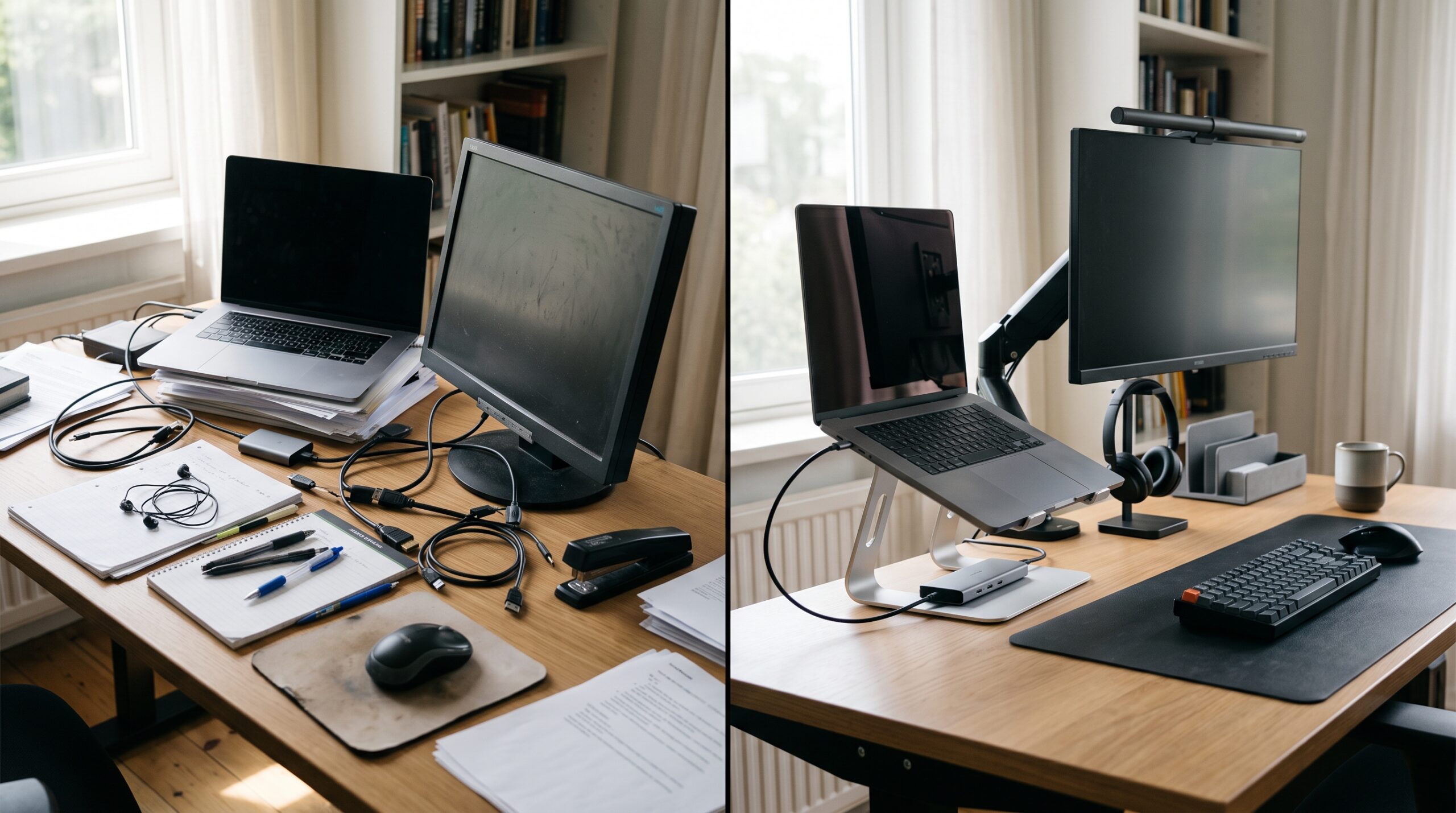
Focus starts with fewer points of friction.
A reliable desk setup removes the repeated interruptions that drain
cognitive energy throughout the working day.
Expert Product Lab Visual Analysis • 2026
The Cognitive Cost of a Desk That Works Against You
The conversation about enterprise work environments has finally moved beyond
the laptop-only model. In 2026, physical tools such as keyboards, mice,
webcams, proper lighting, docks, and cable management are not aesthetic
luxuries. They are part of the core experience of productivity and
collaboration.
When you work while looking down at a 13-inch laptop screen, searching through
tangled cables, or apologizing for poor audio during executive meetings, you
are not simply uncomfortable. You are paying an invisible tax on cognitive
energy.
Each micro-interruption breaks concentration. Over time, the friction created
by an unreliable desk setup accumulates into lost focus, slower task switching,
and a less professional hybrid-work experience.
it looks. It is defined by how consistently it removes friction from the work
you need to do.
What Makes an Accessory Worth Buying?
Do not build a workspace around appearance alone. Before purchasing a
peripheral for a home office or hybrid workstation, assess it using three
practical criteria:
Compatibility and Connectivity
Confirm that the accessory works with your current laptop, operating
system, ports, display requirements, and collaboration tools. Prefer
widely supported standards such as USB-C when they fit your environment.
Ergonomic Value
Choose accessories that support a more neutral posture, better visual
alignment, lower repetitive strain, or reduced fatigue during extended
work sessions.
Scalability
A useful accessory should work across the devices and workflows you use
today and remain relevant when your laptop, role, or workspace changes.
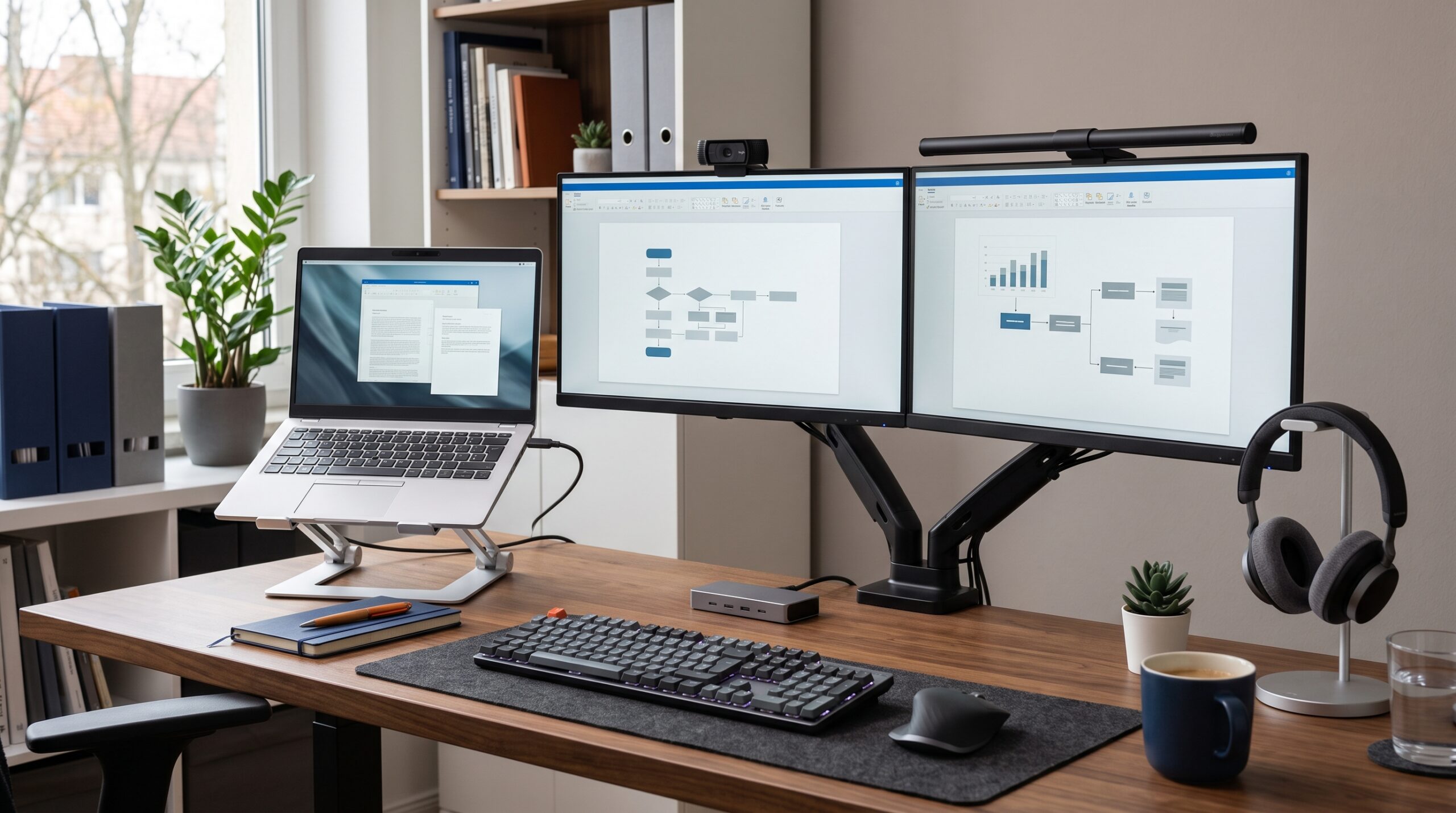
Evaluate accessories by operational value.
The best tools support compatibility, comfort, and a setup that can
evolve with your role and devices.
Enterprise Work Infrastructure • 2026
Eight Accessories That Remove Daily Friction
The categories below are evaluated by the operational friction they remove,
not by novelty or desk aesthetics.
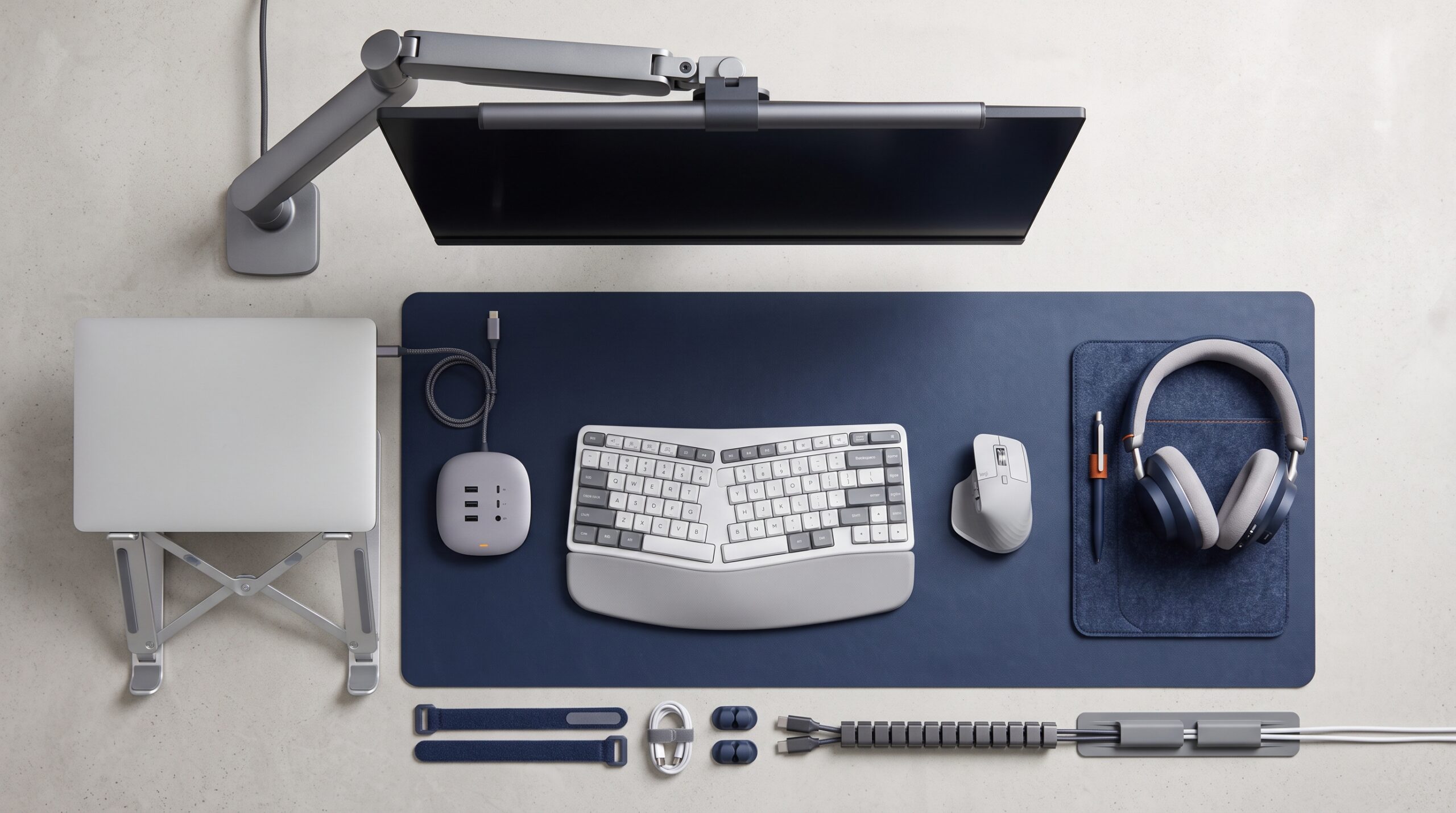
The right accessory solves a specific point of friction.
Prioritize the tools that improve posture, connectivity, communication,
lighting, or desk organization in your daily workflow.
Expert Product Lab Framework • 2026
and sufficient reach for your desk depth.
Browse monitor arms on Amazon
(affiliate link)
level and fits your device securely.
Browse adjustable laptop stands on Amazon
(affiliate link)
multi-device switching when required.
and a slow transition between locations.
if needed, and support for your laptop model.
Browse USB-C docking stations on Amazon
(affiliate link)
meeting days.
tested compatibility with Teams, Zoom, or your core platform.
Browse work headsets with noise cancellation on Amazon
(affiliate link)
adjustable brightness and color temperature.
clean-desk setup.
cable sleeves where appropriate.
Browse cable management solutions on Amazon
(affiliate link)
small daily objects.
matches your workflow rather than adding clutter.
Build by Work Profile
Do not buy every item on this list if it does not support the way you work.
The right investment order depends on your work profile.
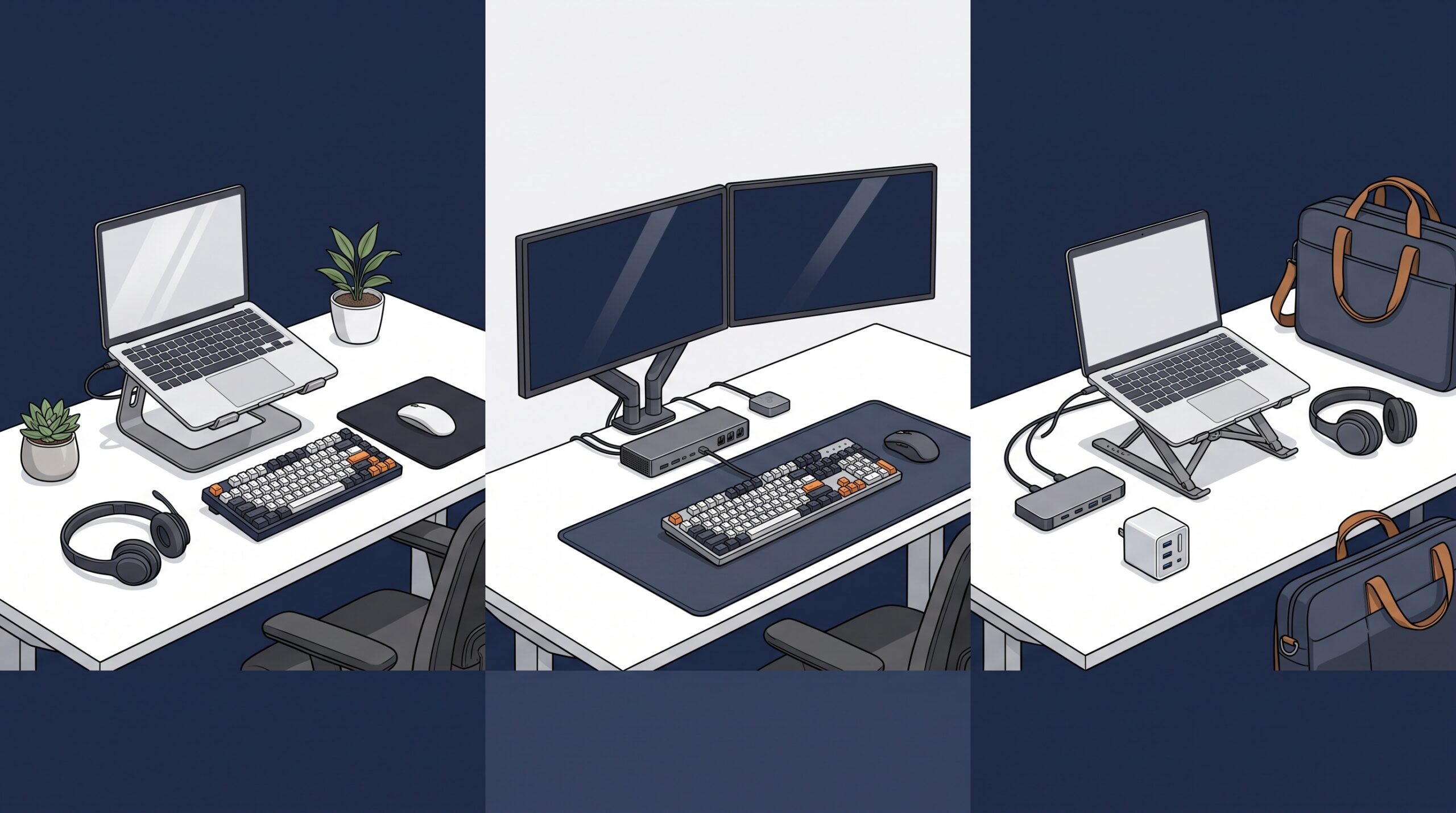
Buy according to your work profile.
A knowledge worker, analyst, and mobile professional each benefit from
a different order of investment.
Expert Product Lab Framework • 2026
Knowledge Worker
Managers, sales teams, customer-facing employees, and collaboration-heavy
roles should prioritize communication and comfort: a certified headset,
laptop stand, and reliable external keyboard and mouse.
Power User or Analyst
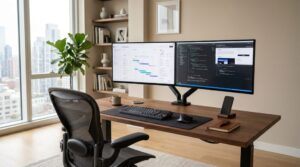
Finance, engineering, reporting, and data teams should prioritize visual
workspace and connectivity: a dual-monitor arm, high-bandwidth dock, and
a large desk mat for a consistent input surface.
Mobile Worker
Consultants and employees with rotating hybrid schedules should prioritize
portability: a foldable laptop stand, compact travel dock, multi-port
charger, and lightweight headset.
Avoid These Common Buying Mistakes
The market is full of products designed to look good in social-media desk
photos but fail during sustained professional use. Do not purchase peripherals
without checking operating-system compatibility, device-management policies,
available ports, and collaboration-platform requirements.
Avoid low-quality hubs that overheat, provide unstable charging, or fail to
support the displays your workflow requires. Do not sacrifice ergonomics for a
minimalist appearance: a visually clean desk still needs equipment that supports
comfortable, reliable work over long periods.
that works reliably with the hardware, software, security rules, and locations
where you actually work.
Focus Setup Audit
Use this short checklist to identify the most urgent source of desk friction:
Focus infrastructure checklist:
- [ ] Is your primary screen positioned near eye level, or is your neck consistently angled downward?
- [ ] How many cables must you connect to begin work each day?
- [ ] Can you move between home and office using a predictable, repeatable setup process?
- [ ] Can meeting participants hear your voice clearly without background noise or microphone distortion?
- [ ] Is your desk organized enough to find the tools you need without interrupting your workflow?
- [ ] Are your accessories compatible with the device standards supported by your IT team?
Continue Optimizing Your Operation
Individual hardware is only one layer of a productive work environment.
Use these EPL frameworks to connect desk-level improvements with a wider
enterprise infrastructure and budgeting strategy.
Explore the EPL Work Infrastructure Hub
Build a more focused, consistent, and supportable environment across your
desk, device fleet, and enterprise technology stack.
-
Enterprise Work Setups: Building Focused Environments
A practical framework for designing resilient, ergonomic work
environments across home, office, and hybrid locations.
-
Hardware Standardization for Hybrid Work
Learn how approved device profiles, compatible peripherals, and governed
exceptions reduce friction for users and IT teams.
-
Best Productivity Gadgets for Enterprise Workers
A wider guide to practical hardware categories that support communication,
comfort, and workflow reliability.


Pingback: Enterprise Work Setups: Ergonomic Guide (2026) | EPL
Pingback: Hardware Standardization for Hybrid Work (2026)
Pingback: Best Productivity Gadgets for Enterprise Workers (2026)
Pingback: Best Home Office Setup for Digital Agencies 2026 (Founders & Teams)