
Work Setups & Productivity • 2026
Enterprise Work Setups: Building Focused, Ergonomic Environments
Your physical workspace is not an aesthetic choice; it is operational infrastructure.
This guide shows how to map a resilient environment for the demands of hybrid corporate work.
Disclosure: This article may contain affiliate links. As an Amazon Associate,
Expert Product Lab earns from qualifying purchases, at no additional cost to you.
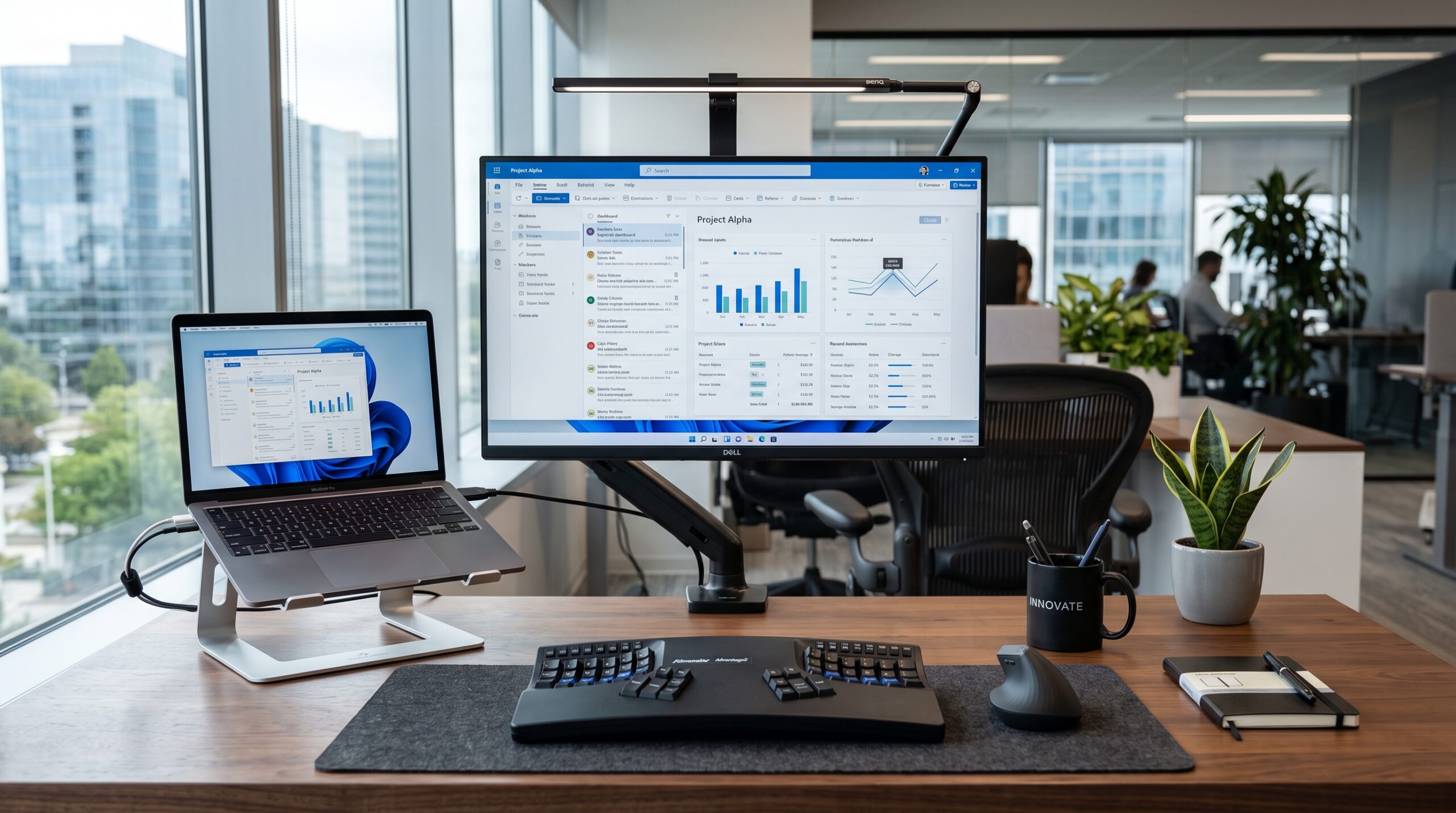
Focus Infrastructure: A well-mapped workspace reduces physical and cognitive friction across an entire hybrid workday.
SOURCE: EXPERT PRODUCT LAB — ENTERPRISE WORK SETUPS 2026
A focused workspace also depends on consistency. For hybrid teams, approved
laptops, docks, displays, and meeting peripherals reduce the friction created
when employees move between home and office. Read the full framework for
hardware standardization for hybrid work
.
In this guide:
This guide is part of the
2026 Enterprise Stack Report
,
where Expert Product Lab connects workspace infrastructure, AI tools,
software ROI, and operational decision-making.
The Hybrid Reality: Meetings, Focus, and Friction
The 2026 corporate landscape demands that professionals transition cleanly between
high‑stakes virtual meetings, collaborative sprints, and uninterrupted deep‑focus sessions.
Despite these harsh requirements, a significant share of hybrid workers still operate from
improvised setups – purely aesthetic or ergonomically hostile – that actively sabotage
physical comfort and cognitive endurance.
This guide serves as your fundamental architectural map for designing a high‑performance workspace.
While our specific hardware recommendations deliver tactical, item‑by‑item upgrades,
this article lays out the macro‑level ergonomic baseline and spatial planning needed to build
an environment that sustains long‑term productivity.
A focused hybrid workspace is built from more than a laptop and a desk.
The right peripherals can improve posture, reduce cable friction, and make
everyday work more consistent. Explore our guide to
desk accessories for better focus at work
.
1. The Ergonomic Baseline for Enterprise Work Setups
Before investing in advanced technology, the physical geometry of your desk must be optimized.
A corporate setup fails if it causes physical degradation across an eight‑hour shift.
Screen Height and Depth: The top third of your primary monitor should sit at eye level,
roughly an arm’s length away, to avoid neck strain during long document review or programming sessions.
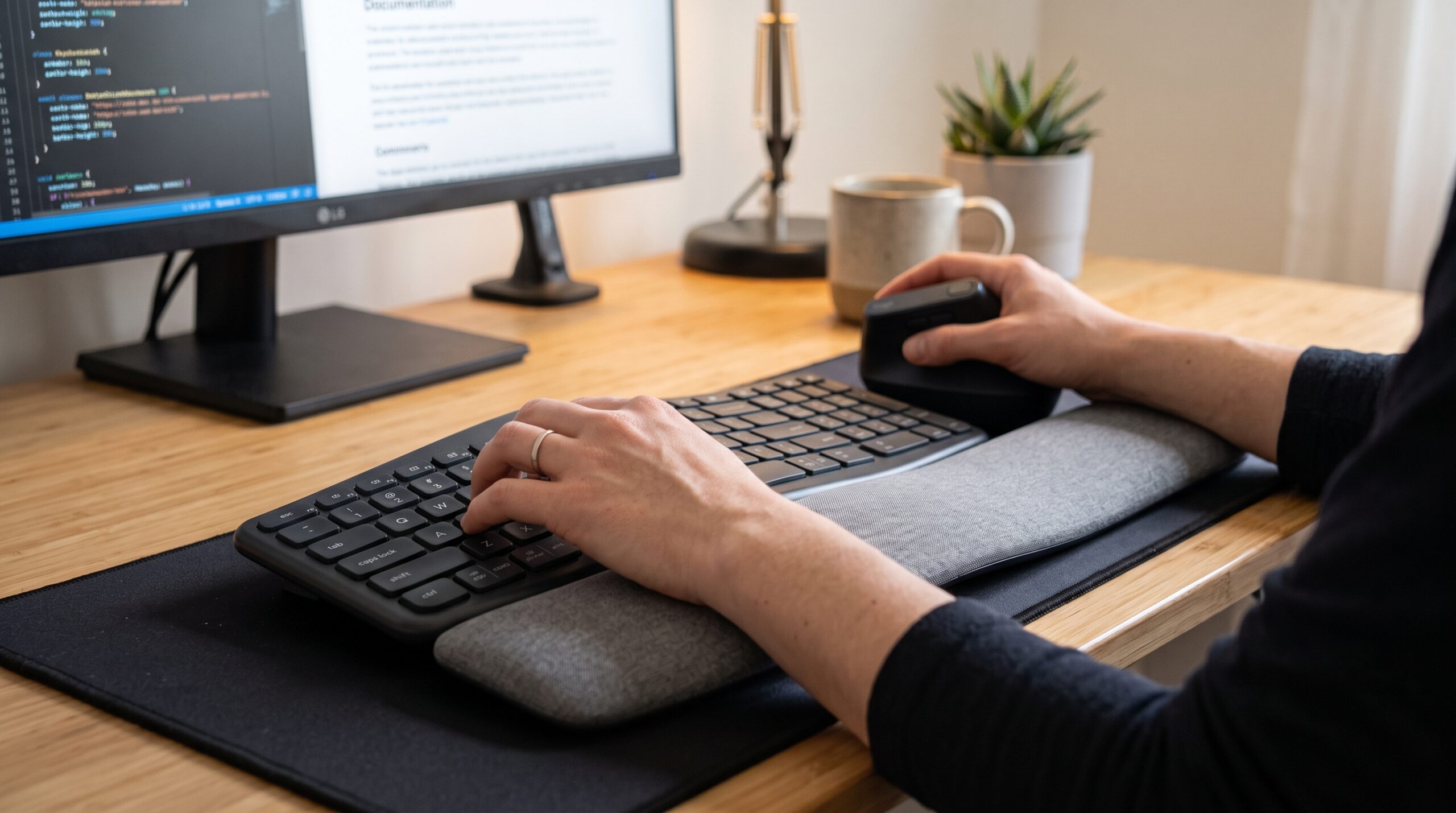
Ergonomic Baseline: Correct screen height and seat position prevent neck and back strain during long work sessions.
SOURCE: EXPERT PRODUCT LAB — ENTERPRISE WORK SETUPS 2026
Seat Architecture: A chair is not a luxury; it is medical prevention. Look for
synchronized tilt, adjustable lumbar support, and seat‑depth controls that keep your feet firmly
planted on the floor.
Input Devices: Keyboards and mice must allow your wrists to rest in a neutral position,
without bends, minimizing the risk of carpal tunnel syndrome during repetitive data entry
or prolonged typing.
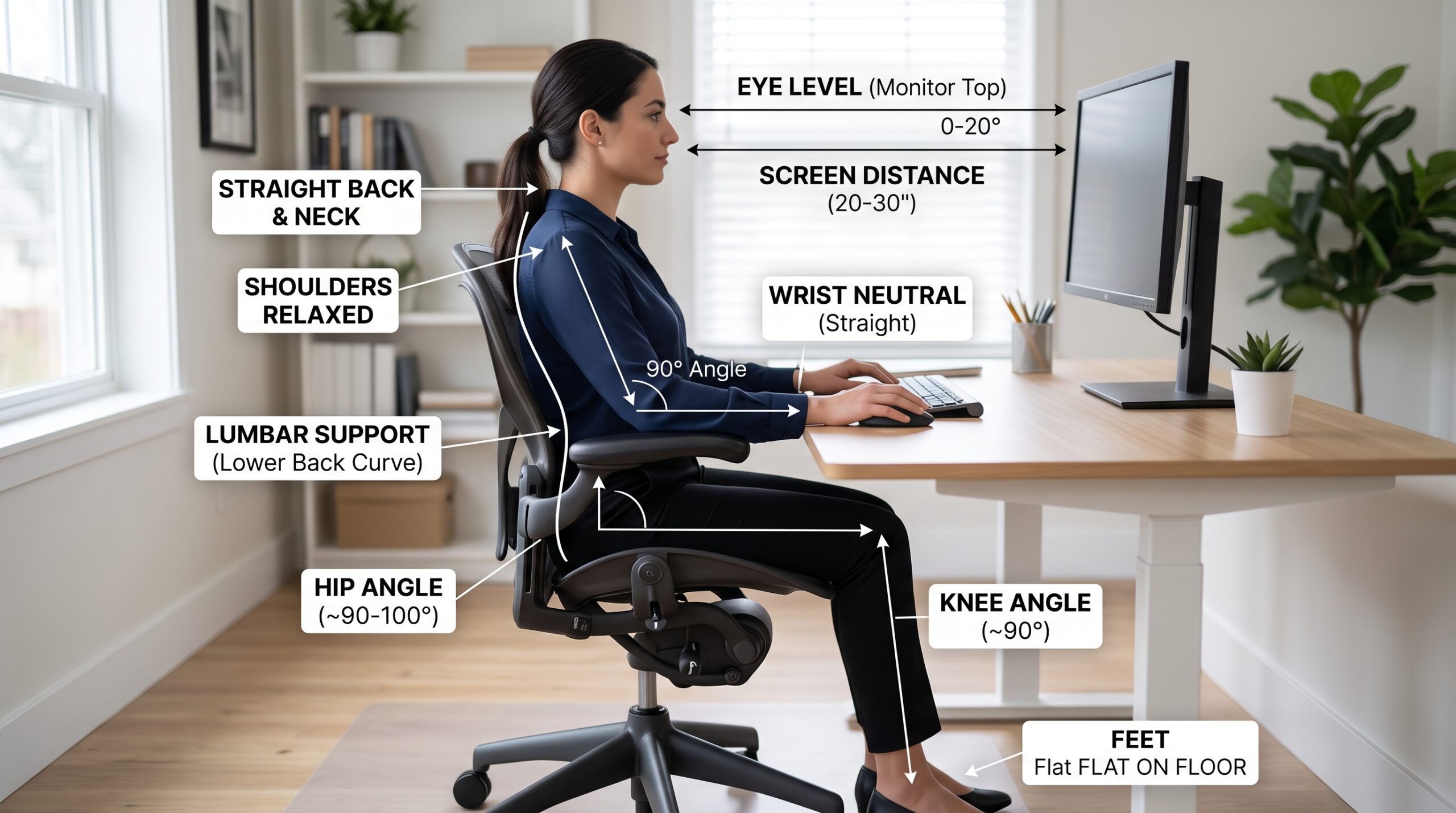
Neutral Wrist Position: Ergonomic input devices reduce repetitive strain during long typing and data-entry sessions.
SOURCE: EXPERT PRODUCT LAB — ENTERPRISE WORK SETUPS 2026
Ambient and Task Lighting: Eliminate harsh overhead glare.
Use indirect bias lighting behind monitors to reduce eye fatigue, and dedicated task lights
to maintain professional visibility during video calls.
To execute this baseline, you need the right hardware. For specific recommendations on
laptop stands, dual‑monitor configurations, and low‑profile ergonomic keyboards,
read our list
Best Productivity Gadgets for Enterprise Workers (2026)
.
Amazon Picks: Ergonomic Setup Essentials
Build the physical baseline with laptop stands, monitor arms, ergonomic keyboards, and vertical mice selected for long enterprise workdays.
2. Architecting Hybrid and Remote Layouts
Modern workflows rarely stay confined to a single desk. Designing your setup means planning
for multiple environmental variables.
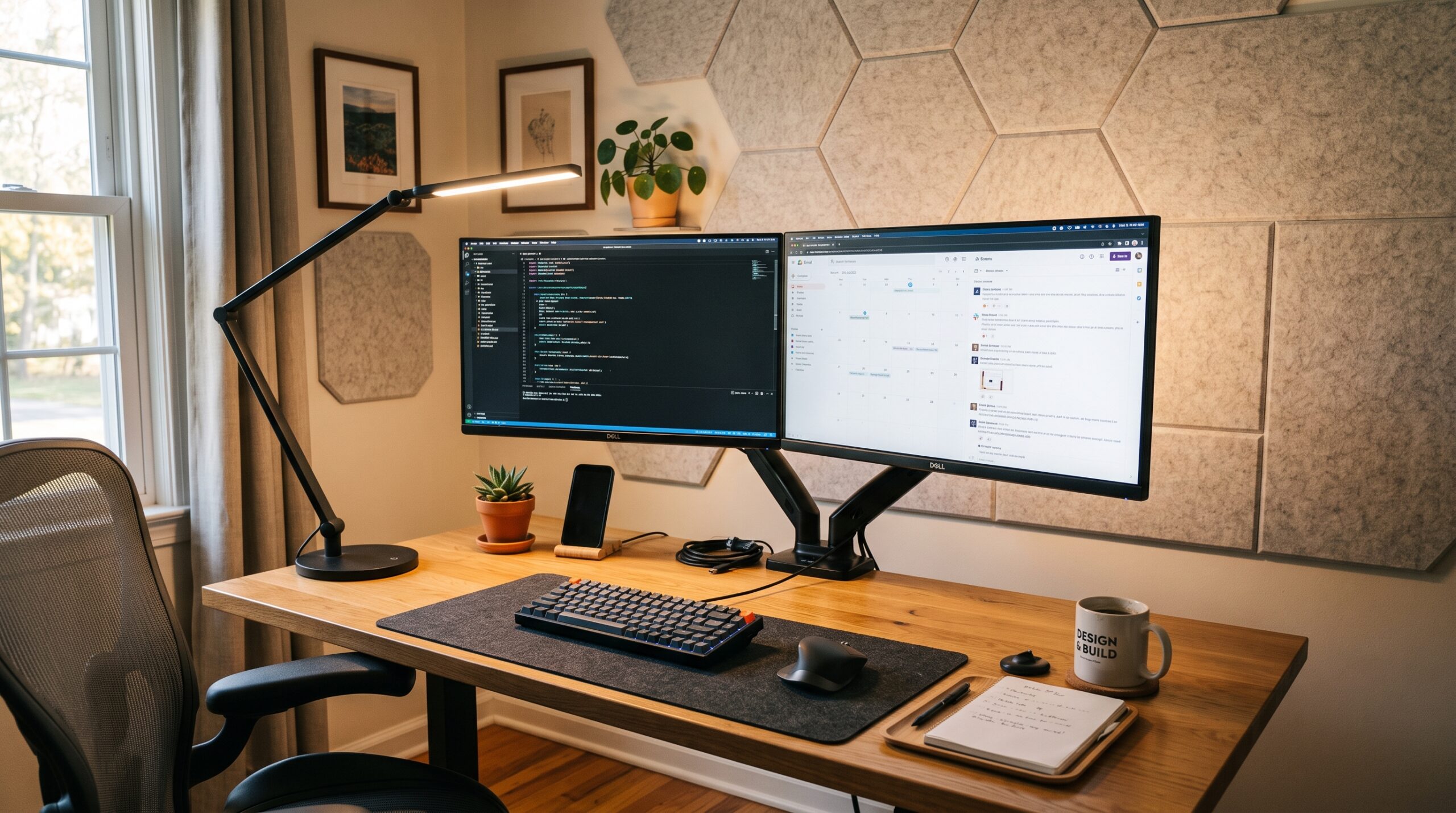
Command Center: A dedicated home office prioritizes fixed infrastructure and full control over the work environment.
SOURCE: EXPERT PRODUCT LAB — ENTERPRISE WORK SETUPS 2026
The Dedicated Home Office: This is your primary command center.
Here, the priority shifts to fixed infrastructure – robust mounts for multi‑monitor arrays,
wired ethernet hubs, and full acoustic isolation. The goal is absolute control over your environment.
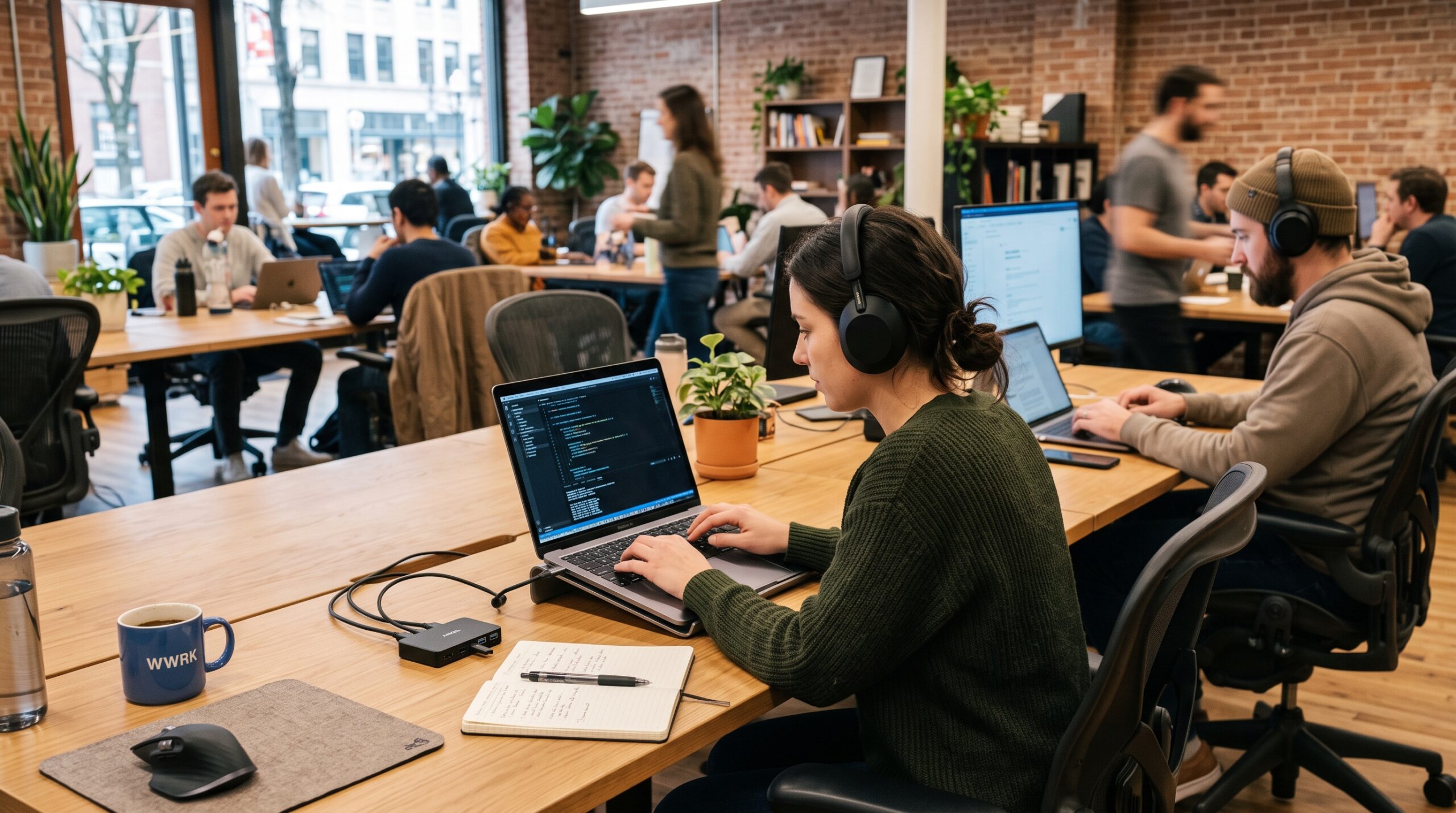
Modular Agility: Hot-desk and coworking setups prioritize speed of assembly over permanence.
SOURCE: EXPERT PRODUCT LAB — ENTERPRISE WORK SETUPS 2026
The Corporate Hot Desk and Coworking Space: In shared environments,
agility replaces permanence. You need modular setups that assemble in seconds and pack away just as fast.
The priority is minimizing friction when moving from a meeting room back to your temporary desk.
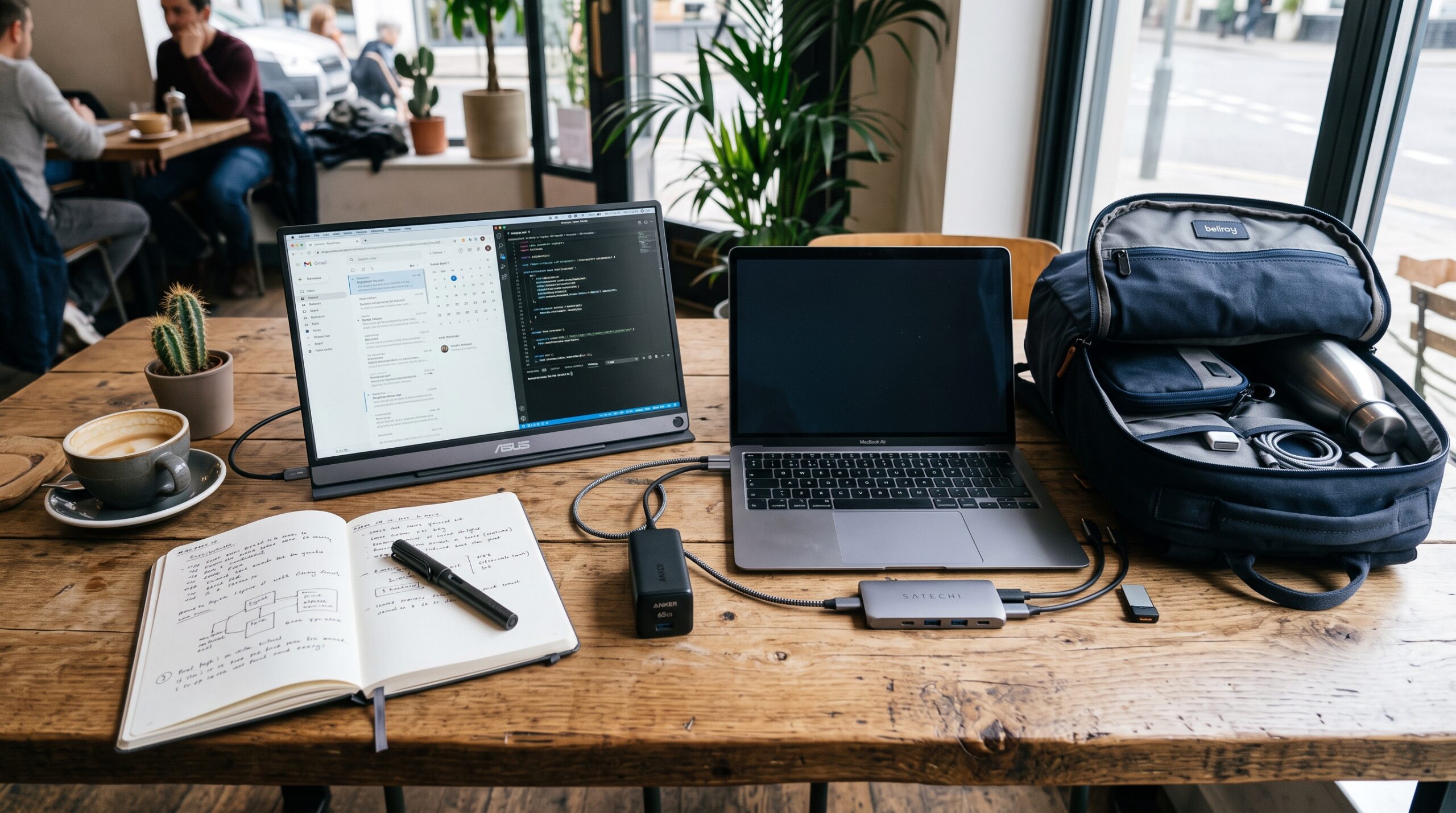
The Agile Stack: Portable monitors, GaN chargers, and single-cable hubs keep hybrid workers ready to move between locations.
SOURCE: EXPERT PRODUCT LAB — ENTERPRISE WORK SETUPS 2026
The Agile Stack: If you frequently rotate between home and office,
investing in high‑output GaN chargers, lightweight portable monitors, and single‑cable Thunderbolt hubs
is non‑negotiable. We cover these extensively in our gadgets guide. Stay tuned for upcoming deep‑dive
reports on executive‑grade home offices and mobile workstations for 2026.
Amazon Picks: Hybrid Work Mobility
For teams moving between home, office, and client sites, explore portable monitors, GaN chargers, power banks, and USB-C hubs built for a more reliable mobile workstation.
3. The EPL Workspace Ecosystem
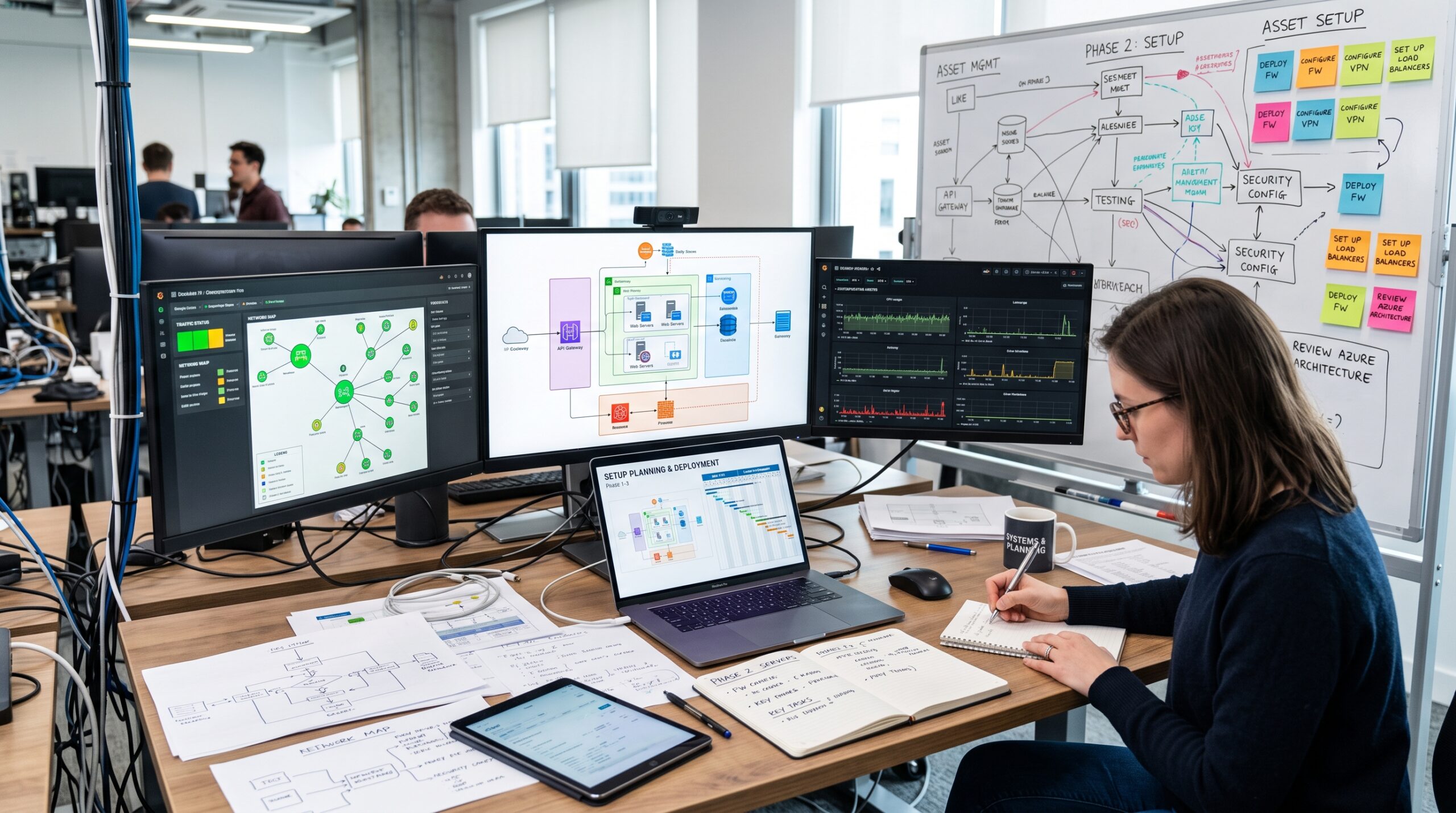
Continuous Optimization: Building the ideal corporate setup means treating your workspace as an evolving system, not a one-time purchase.
SOURCE: EXPERT PRODUCT LAB — ENTERPRISE WORK SETUPS 2026
Building the perfect corporate setup is a continuous optimization process.
Use our internal resource hub to upgrade specific layers of your daily workflow:
-
Current audits:
Best Productivity Gadgets for Enterprise Workers (2026)
– our curated list of tactical upgrades that reduce everyday friction. -
Upcoming reports: Executive Home Office Design: Acoustic and lighting structures;
Mobile Workstations: The 2026 Coworking and Travel Stack.
For a broader look at how workspace decisions connect to AI tooling, budgets, and ROI,
see
Enterprise AI Budgeting in 2026: 4 Traps That Destroy ROI (And How to Avoid Them)
.
Amazon Picks: Build Your Focus Infrastructure
Review our curated enterprise workspace upgrades on Amazon and prioritize the equipment that removes your largest daily friction first.
Conclusion: Setup as Focus Infrastructure
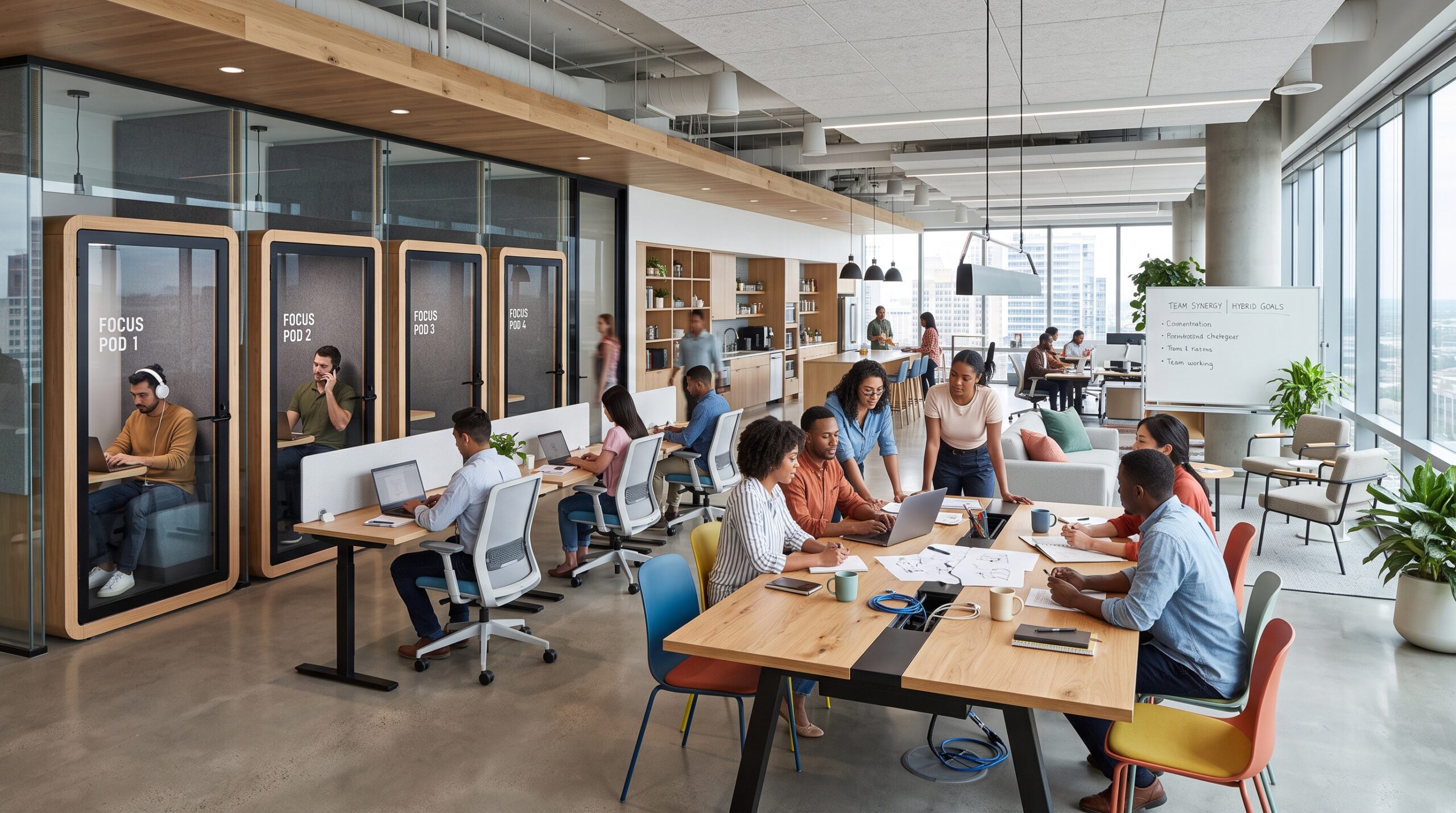
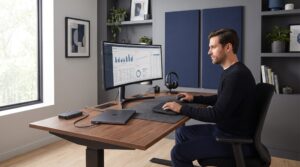
Infrastructure, Not Decoration: A well-designed hybrid environment supports both deep focus and collaboration without compromise.
SOURCE: EXPERT PRODUCT LAB — ENTERPRISE WORK SETUPS 2026
Treating your desk as an interior design project is a mistake; it must be treated
as focus infrastructure. Every articulated monitor arm, acoustic panel, and ergonomic mouse
is an investment in reducing the physical and cognitive friction that drains your energy
before the day is even halfway done.


Pingback: Best Productivity Gadgets for Enterprise Workers (2026)
Pingback: Best Home Office Setup for Digital Agencies 2026 (Founders & Teams)
Pingback: The 2026 Founder Stack: Hosting, Home Office, and AI Workflows
Pingback: Hardware Standardization for Hybrid Work (2026)
Pingback: Top Desk Accessories for Better Focus at Work (2026)
Pingback: Work From Home Productivity Essentials for 2026