
Enterprise Work Gadgets • August 2026
Editorial Note: This article is designed for enterprise workers and leadership teams who want to upgrade their work setup with practical productivity gadgets — including Amazon picks — that improve communication, ergonomics, and day-to-day workflow.
Best Productivity Gadgets for Enterprise Workers
Enterprise work today is a constant mix of deep-focus tasks, back-to-back meetings, and endless digital distractions. Calendars are full, inboxes never stop, and most teams operate in hybrid or remote environments. In this context, the right gadgets are not about looking “techy”; they are about removing friction from your day so you can think, decide, and deliver with more focus.
This article curates practical productivity gadgets and desk accessories that actually help enterprise workers work better, not just decorate the workspace. Each category is chosen to support real behaviours: clearer communication, more comfortable execution, and smoother workflows.
If you want to connect these workspace upgrades with broader performance decisions,
see
Enterprise AI Budgeting in 2026: 4 Traps That Destroy ROI (And How to Avoid Them)
for a deeper look at how tools, budgets, and workflows align.
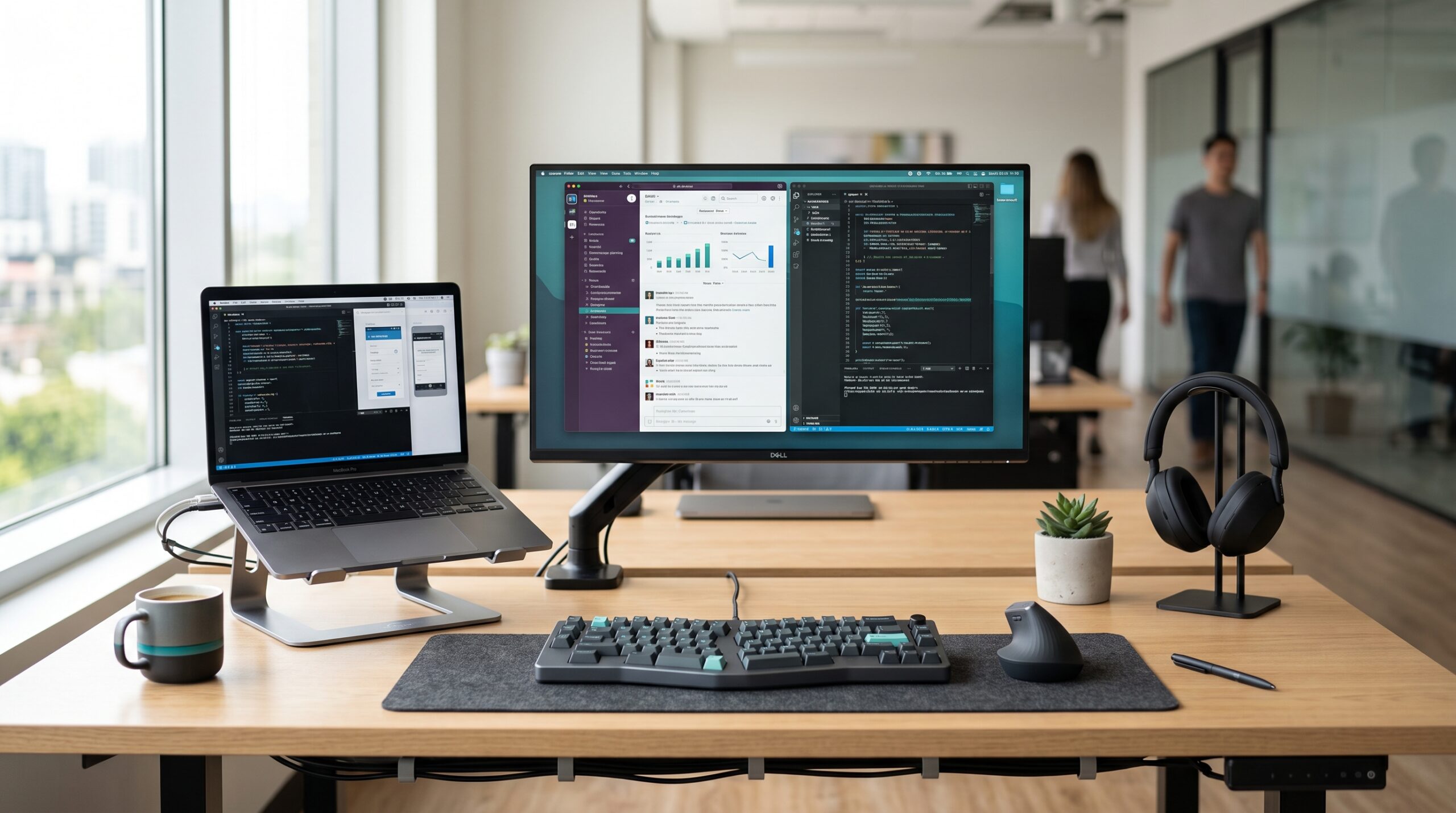
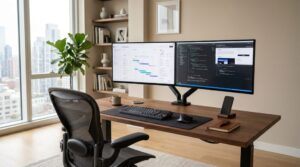
Workspace as a lever: A modern enterprise desk setup where small hardware upgrades compound into better focus and more sustainable workdays.
SOURCE: EXPERT PRODUCT LAB — ENTERPRISE WORK PRODUCTIVITY 2026
Individual gadgets can improve a workstation, but enterprise teams get more
value when core devices and accessories are compatible, approved, and easy to
support. Learn
how standardized hardware reduces support friction
across hybrid work environments.
In this article:
- 1. Why productivity gadgets matter more than ever
- 2. What to prioritize first
- 3. Communication and connectivity essentials
- 4. Ergonomics and desk comfort
- 5. Organization and workflow control
- 6. Gadgets for remote and hybrid enterprise workers
- 7. How to choose the right gadgets for your work
- 8. FAQ – Enterprise productivity gadgets
1. Why Productivity Gadgets Matter More Than Ever
Enterprise productivity used to be mostly a software conversation: new tools, new platforms, new dashboards. In 2026, many professionals already use modern collaboration suites, but still lose time in small, repetitive frictions: bad audio in calls, messy cabling, uncomfortable keyboards, poor lighting, laptops positioned too low, and constant context switching.
Hardware matters because it shapes behaviour. A clean, ergonomic, well-equipped desk invites focus; a cluttered, uncomfortable setup quietly pushes you toward distraction and avoidance. The most effective gadgets are the ones that remove friction without demanding a full office redesign.
2. What to Prioritize First
Before building a long wishlist of gadgets, it helps to prioritize by impact. For most enterprise workers, three areas drive the biggest gains:
- Communication quality — clear audio and video reduce meeting fatigue, misunderstandings, and constant repetition.
- Physical comfort and ergonomics — a better keyboard, mouse, chair position, and screen height cut micro discomfort that accumulates across long days of work.
- Desk-level organization and focus — monitor lights, cable management, desk mats, and time-management gadgets make it easier to get into and stay in deep work.
If you want to go beyond gadgets and redesign the whole layout,
our
Enterprise Work Setup guide
explores how to structure desks, screens, and workflows for different team roles.
The best strategy is to fix the biggest pain point first. If meetings are exhausting because of bad audio, start with a headset. If your neck hurts every day, start with a laptop stand and external monitor. If your desk is visual chaos, begin with organizers and cable trays.
3. Communication and Connectivity Essentials
Noise-Canceling Headset
A good noise-canceling headset is one of the highest-impact gadgets for enterprise workers. It improves call clarity, blocks office or home noise, and makes long meetings less tiring. Modern headsets designed for professionals focus on comfortable ear cups, long battery life, and microphones tuned for speech.
For enterprise teams, look for devices that integrate well with common meeting platforms and offer reliable wireless connectivity. This single purchase can dramatically improve both your ability to listen and to be understood.
Amazon Picks: Noise-Canceling Headsets
For a curated set of options, explore our Amazon selection of enterprise-friendly noise-canceling headsets.
External Webcam and Speakerphone
Laptop cameras and microphones are often good enough—but not great. An external webcam improves image quality and framing, especially in hybrid work environments, while a USB speakerphone or dedicated meeting microphone ensures everyone hears and is heard clearly.
These communication gadgets work even better when paired with a disciplined digital stack.
For examples of how enterprise teams use AI assistants to streamline meetings and follow-ups,
see our
Enterprise SaaS Scenario Planning guide
.
These devices matter most for managers, sales professionals, and project leaders who spend hours in calls every day. High-quality audio and video reduce miscommunication and help maintain presence even when you are remote.
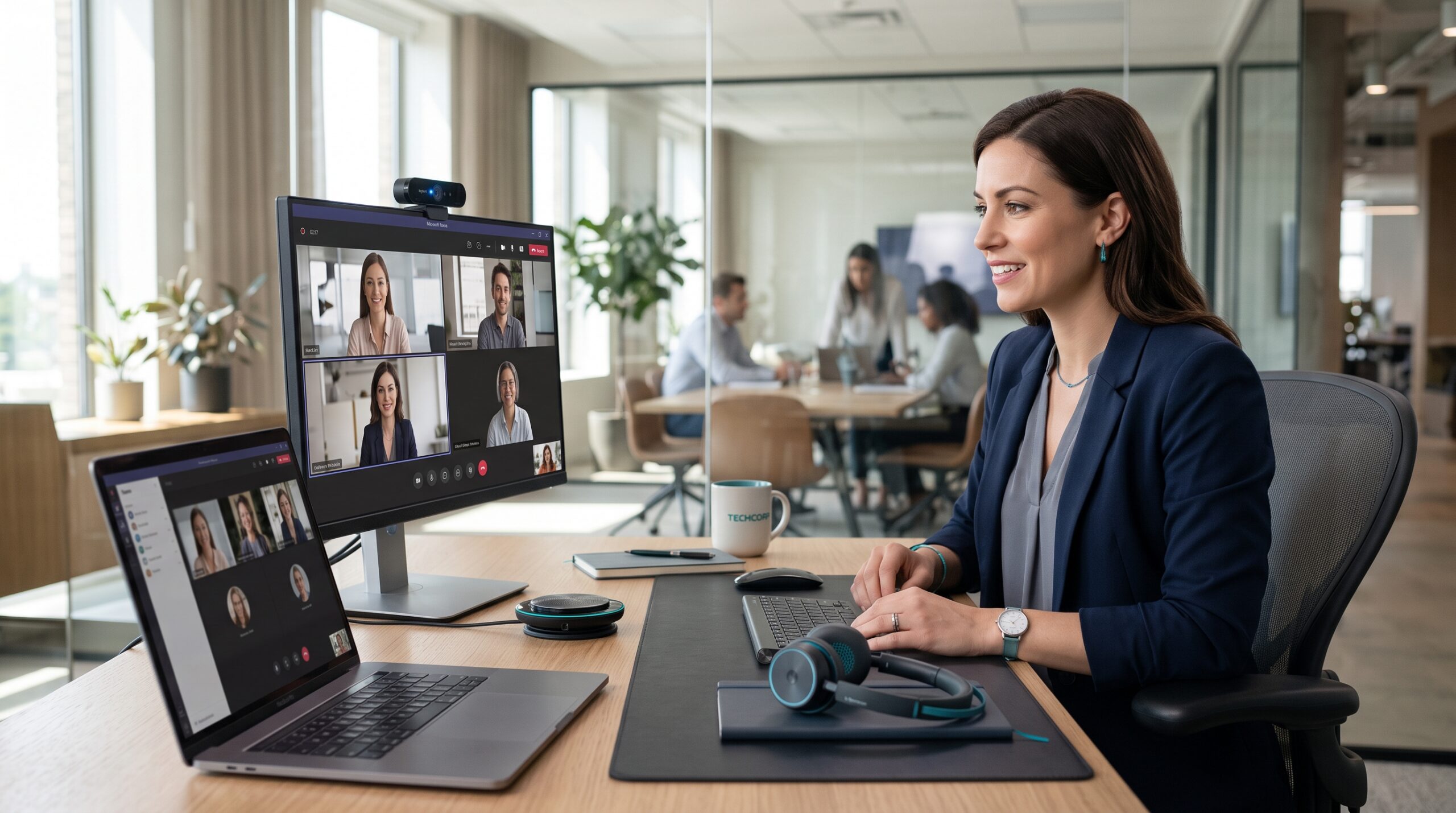
Clearer Calls: Audio and video upgrades reduce friction in meetings and make remote collaboration feel more natural.
SOURCE: EXPERT PRODUCT LAB — ENTERPRISE WORK PRODUCTIVITY 2026
Amazon Picks: Webcams and Speakerphones
Browse professional webcams and USB speakerphones on Amazon to upgrade your meeting experience without changing your entire stack.
USB-C Dock or Hub
Enterprise workers now juggle laptops, monitors, wired networks, external drives, and peripherals. A USB-C dock consolidates this complexity into a single connection. Instead of plugging and unplugging multiple cables, you connect one cable and your entire workstation comes alive—screens, power, peripherals, and network.
This kind of gadget saves small units of time many times per day. It also makes your desk more flexible: you can move between home and office or between different laptops with minimal friction.
Amazon Picks: USB-C Docks
See our recommended USB-C docking stations for enterprise workers to simplify your desk connectivity in one step.
4. Ergonomics and Desk Comfort
Laptop Stand and Monitor Setup
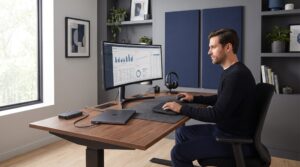
Working long hours on a laptop positioned too low is one of the fastest paths to neck and upper-back strain. A simple laptop stand that raises the screen closer to eye level can change your posture immediately. Paired with an external monitor and keyboard, it creates a more sustainable workstation for long periods of deep work.
Adjustable monitor arms provide further flexibility: you can position displays at the correct height and angle, reduce glare, and keep the desk surface cleaner. Over time, these changes reduce physical fatigue and make concentrated work more realistic.

Ergonomic Baseline: Raising screens to eye level and adding a monitor light bar reduces strain and supports longer deep-work sessions.
SOURCE: EXPERT PRODUCT LAB — ENTERPRISE WORK PRODUCTIVITY 2026
Amazon Picks: Laptop Stands and Monitor Arms
Explore laptop stands and monitor arms on Amazon that help you bring screens up to eye level and protect your posture.
Ergonomic Keyboard and Mouse
Typing all day on a flat, cramped keyboard quickly adds strain to wrists and hands. Ergonomic keyboards are shaped to support more natural wrist angles, while vertical or contoured mice reduce the twist and grip force needed for precise cursor movements.
The goal is not to chase trends, but to choose devices that fit your body and workflow. For workers who live in spreadsheets, documents, and code, these gadgets directly influence how comfortable it is to produce at high volume.
Amazon Picks: Ergonomic Keyboards and Mice
If you spend most of your day typing and pointing, start by reviewing ergonomic keyboard and mouse options on Amazon .
Monitor Light and Desk Lighting
Lighting is often an invisible productivity factor. A monitor light bar or targeted desk lamp reduces eye strain, especially in mixed or low-light environments. These gadgets illuminate the workspace without causing screen glare, making it easier to read documents and stay focused into the evening.
Good lighting subtly improves mood and energy. It also keeps your video presence more professional during calls, which matters for leaders and client-facing roles.
Amazon Picks: Monitor Lights and Desk Lamps
Browse monitor light bars and focused desk lamps to turn your desk into a more comfortable space for long work sessions.
5. Organization and Workflow Control
Cable Management and Desk Organizers
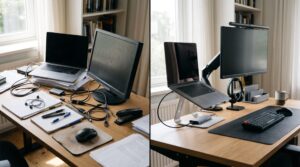
Cables running everywhere and scattered accessories send constant “visual noise” signals to the brain. Cable trays, clips, and desk organizers transform this chaos into a structured space where everything has a place.
These gadgets are inexpensive but powerful. A cleaner desk reduces distraction, makes it easier to start work, and helps you reset quickly between tasks. For workers juggling multiple devices, cable management alone can make the difference between a stressful and calming desk.
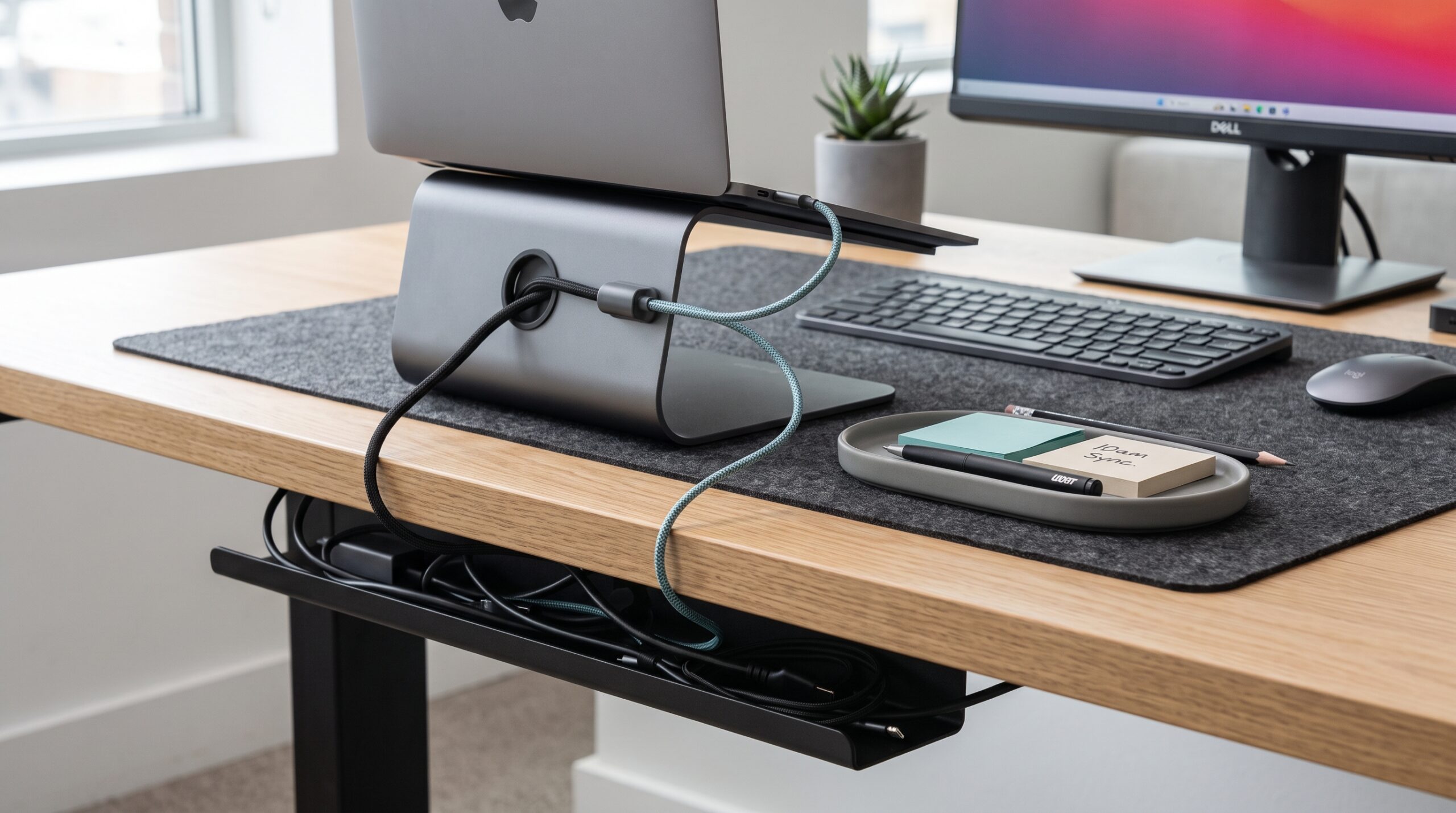
Visual Calm: Simple cable management and accessory trays remove visual noise and make it easier to start work.
SOURCE: EXPERT PRODUCT LAB — ENTERPRISE WORK PRODUCTIVITY 2026
Amazon Picks: Cable Management Kits
To declutter your desk, start with cable management kits and desk organizers on Amazon .
Desk Mat and Surface Tools
A desk mat unifies the workspace visually, defines a working area, and improves mouse performance. Many mats also protect the desk surface and provide a comfortable resting area for hands and wrists.
When combined with small surface tools—pen holders, document stands, and under-desk drawers—your desk becomes easier to navigate and maintain. Visual coherence at the desk level often translates into mental clarity.
Amazon Picks: Desk Mats and Surface Accessories
Explore desk mats and workspace accessories on Amazon to turn your desk into a more intentional work surface.
Time-Management Gadgets and Focus Aids
Physical timers, focus cubes, or time-locking containers can significantly improve discipline around deep work and distraction control. For workers who deal with constant pings and notifications, having a physical signal that “deep focus is happening now” helps establish a different mode of working.
These gadgets are particularly useful for tasks that require uninterrupted concentration: strategy documents, design work, data analysis, or complex planning. They make it easier to create blocks of focused time inside an otherwise busy corporate day.
Amazon Picks: Focus Timers and Productivity Tools
Review focus timers and small productivity tools on Amazon to support deeper work blocks without redesigning your entire schedule.
6. Gadgets for Remote and Hybrid Enterprise Workers
Portable Monitors and Mobile Workstations
Hybrid workers often move between home, office, and travel. Portable monitors allow you to keep a multi-screen workflow wherever you go: on a client site, in a hotel, or in a temporary desk. Many options are slim, USB-powered, and designed for quick setup in limited space.
This matters for professionals whose productivity depends on seeing multiple data sources at once—analysts, product managers, engineers, and finance teams. Being able to recreate a familiar multi-monitor environment on the road increases consistency and reduces adaptation overhead.
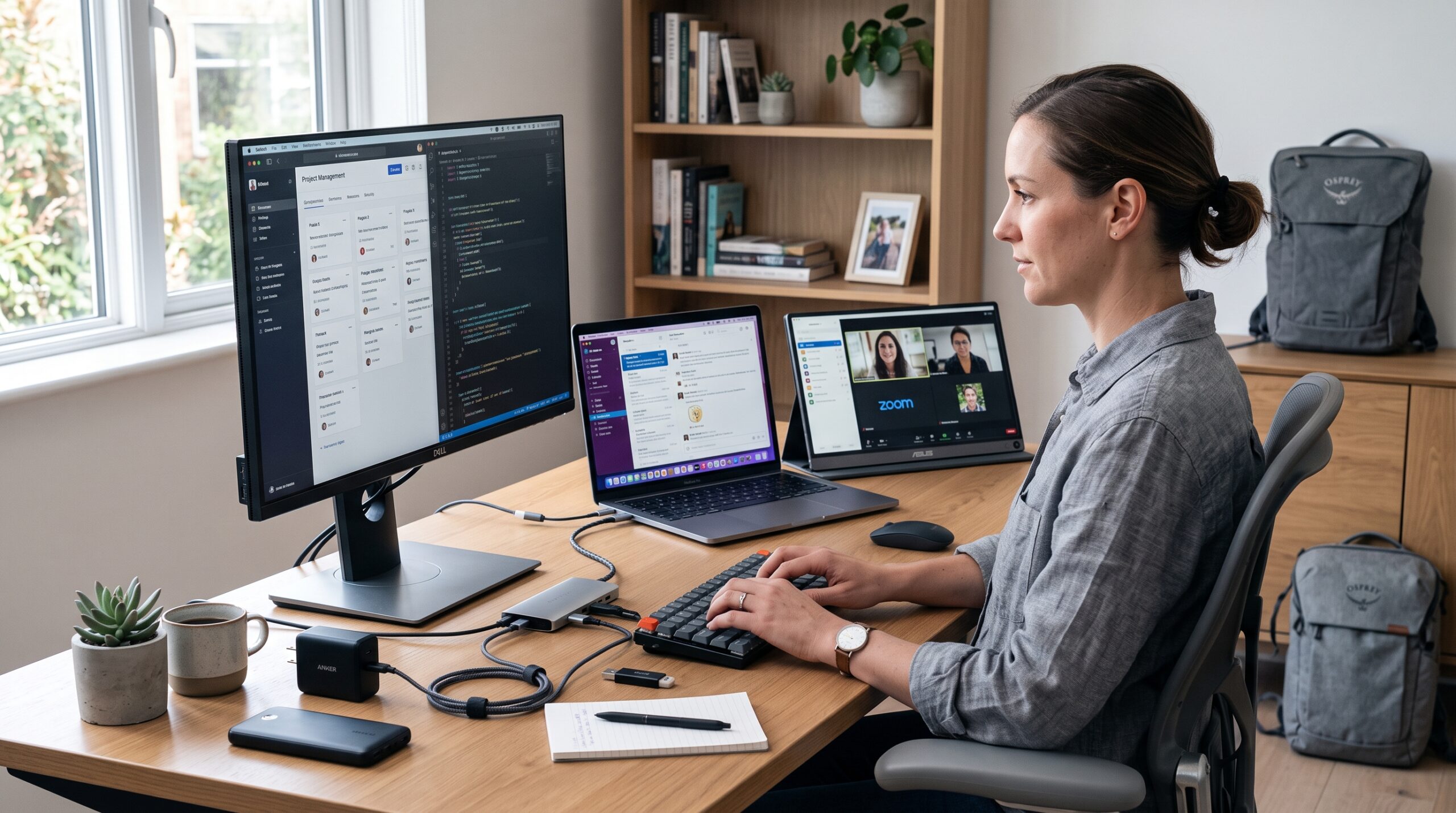
Hybrid Ready: Portable monitors and compact chargers make it easier to recreate a productive setup across locations.
SOURCE: EXPERT PRODUCT LAB — ENTERPRISE WORK PRODUCTIVITY 2026
Amazon Picks: Portable Monitors
For hybrid work setups, explore portable monitors and mobile workstation gear that travel well and plug into your existing devices.
Portable Power and Connectivity
Power banks, travel chargers, and compact hubs keep devices running and connected in less predictable environments. A good GaN charger can power laptop, phone, and tablet simultaneously, while small hubs simplify connectivity in meeting rooms with limited ports.
For enterprise workers, these gadgets are less about “tech for tech’s sake” and more about ensuring that the day does not collapse because of a dead battery or missing adapter. Reliability is itself a productivity advantage.
Amazon Picks: GaN Chargers and Travel Hubs
See GaN chargers, power banks, and travel hubs on Amazon to make your setup more resilient across locations.
Enterprise productivity is not only about choosing individual gadgets. A
well-designed desk also removes small, repeated sources of friction from the
working day. Read our practical guide to
desk accessories for better focus at work
.
7. How to Choose the Right Gadgets for Your Work
With so many options available, it is easy to treat productivity gadgets like a shopping list instead of a focused intervention. A better approach is to match each gadget to a specific friction in your daily workflow:
- If meetings are exhausting and unclear → prioritize audio and video gear.
- If you end every day physically tired → prioritize ergonomics.
- If your desk feels chaotic → prioritize organization and cable management.
- If you constantly lose focus → prioritize time-management and lighting.
- If you move between locations → prioritize portable monitors and chargers.
It is also worth testing changes one at a time. Introduce a new gadget, observe the impact across one or two weeks, and only then expand your setup. The goal is a compact, intentional desk where every item earns its place.
8. FAQ – Enterprise Productivity Gadgets
Are productivity gadgets really worth the investment?
They are worth it when they specifically address recurring pain points: poor audio, physical discomfort, chaotic desks, or focus problems. In those cases, the return shows up daily in clearer meetings, less fatigue, and smoother workflows.
What should enterprise workers buy first?
Most professionals see the biggest gains from three initial upgrades: a quality headset, a laptop stand plus external keyboard and mouse, and basic cable management. These three changes improve communication, posture, and desk clarity at the same time.
Do all workers need the same gadgets?
No. The best setup depends on role, environment, and work style. A salesperson who lives in video calls needs strong audio and video; a data scientist benefits more from monitors, ergonomics, and focus tools; an executive hybrid worker needs reliable portable gear. The core principle is to start with your daily reality, then choose gadgets that remove friction from that reality.
Build a Workspace That Supports Serious Work
Enterprise work will not get simpler in the coming years. More tools, more stakeholders, and more hybrid arrangements are on the way. In this context, building a workspace that actively supports focus and comfort is not a luxury; it is a strategic advantage.
The best productivity gadgets for enterprise workers do not try to impress; they quietly remove obstacles so that energy goes into thinking, deciding, and delivering. Once you identify your biggest friction points, a small set of well-chosen gadgets can turn your desk into a place where serious work actually feels possible.
What kind of gadgets do you think will be game-changers for remote teams? I’m curious about the must-haves.
Great question – especially for remote teams where “work setup” is now wherever people happen to be.
The game‑changers I keep seeing aren’t flashy, but they quietly remove friction:
A reliable noise‑canceling headset that keeps both sides of a call clear, even in messy environments.
A portable second screen (or tablet as a side display) so people aren’t constantly alt‑tabbing in complex meetings.
A simple, well‑powered USB‑C hub or dock that makes switching between home and office setups painless.
Once those basics are solid, tools and workflows tend to matter more than extra gadgets. The article focuses on exactly these “boring but transformative” pieces for enterprise workers – curious what has been most helpful in your context so far?
@Go Realz.us thanks for the question.
Pingback: Enterprise Work Setups: Ergonomic Guide (2026) | EPL
Pingback: Hardware Standardization for Hybrid Work (2026)